
Disclosure: Some links in this article are affiliate or sponsored links. If you buy through them, we may earn a commission at no extra cost to you. Our opinions are our own.
Over 550 million people now use Pinterest each month, reflecting steady growth and rising global appeal. While this is still smaller than platforms like Facebook, which has nearly 3 billion monthly users, Pinterest continues to expand, especially among users focused on lifestyle, shopping, and inspiration-driven content.
Welcome to my carefully curated list of the best Pinterest Chrome extensions. If you frequently come across ideas, products, or images worth saving while browsing, relying solely on the Pinterest app is not always the most efficient option. That is where browser extensions become incredibly useful, allowing you to save, organize, and share pins instantly without interrupting your browsing flow.
If you are using Google Chrome, the Chrome Web Store provides a wide range of Pinterest-related extensions designed to enhance your pinning experience. Even if you are not on Chrome, many of these tools are also available for Mozilla Firefox, Microsoft Edge, and Apple Safari, making them accessible across different browsers and devices.
10 Best Pinterest Chrome Extensions

Not all Pinterest Chrome extensions are created equal, and with numerous options available, it can be challenging to determine which ones are truly worth your time. That’s why I’ve curated this list of top picks. These are the extensions that stood out for offering the most useful, flexible, and practical features for everyday Pinterest users.
Each tool has been carefully evaluated based on usability, performance, reliability, and its effectiveness in simplifying saving, organizing, and managing pins across different browsing scenarios.
1) Image Downloader
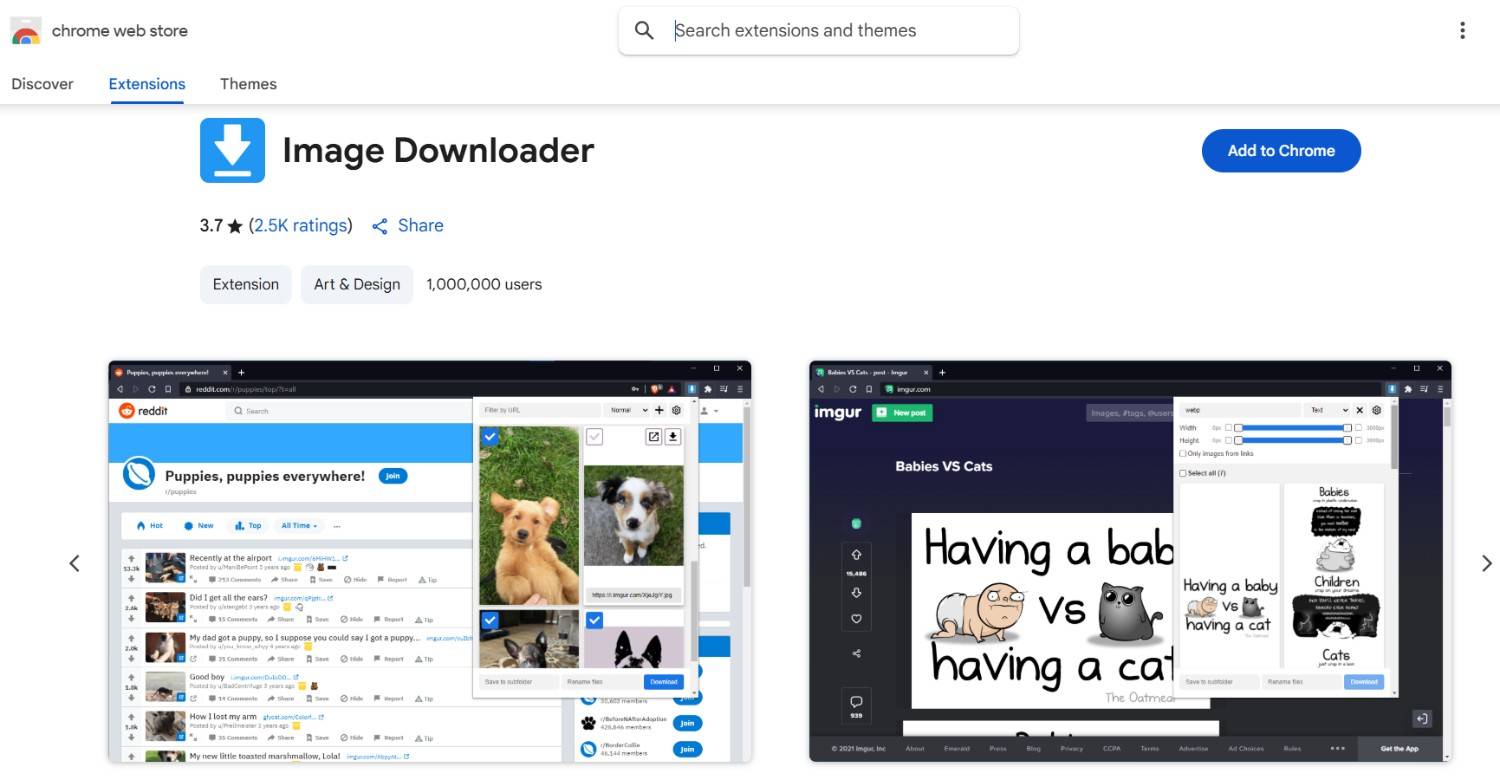
Image Downloader is a versatile Chrome extension that works seamlessly with Pinterest and many other image-heavy websites. It scans entire web pages and displays all available images in one place, giving you full control over what you want to download. You can easily filter images by size, type, resolution, or even URL patterns, helping you quickly identify the most relevant visuals without wasting time.
For Pinterest users, this extension is particularly useful when collecting multiple images for research, mood boards, creative projects, or design inspiration. Instead of saving images one by one, you can select and download them in bulk, making the process much faster and more efficient.
The extension is lightweight and runs smoothly without slowing down your browser, even on media-rich pages. Its simple interface, combined with powerful filtering options, makes it an excellent choice for users who want better control, speed, and flexibility while downloading images.
2) Pinterest Save Button
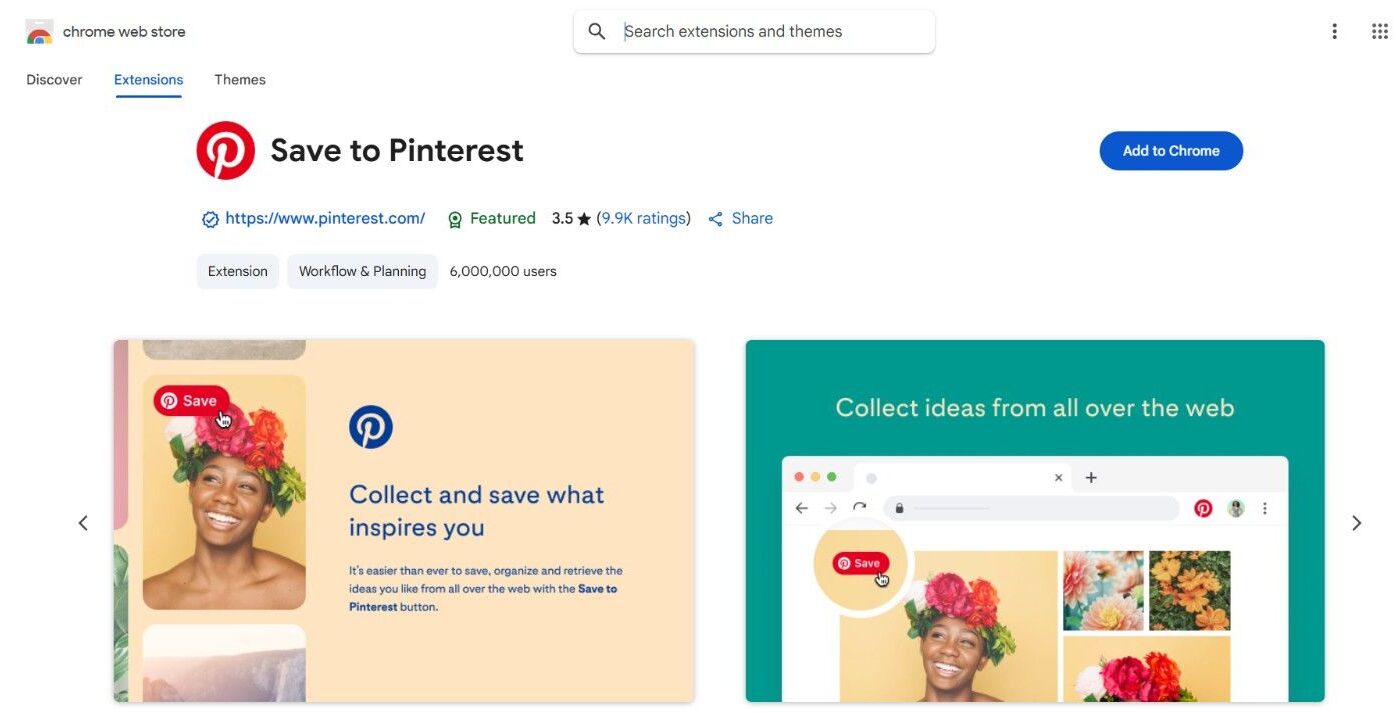
The Pinterest Save Button is an official browser extension developed and approved by Pinterest itself. Built for simplicity and efficiency, it allows users to quickly save images, articles, and visual content they discover online directly to their Pinterest boards. With a single click from your Chrome toolbar, you can pin ideas instantly without leaving the page, making the entire process seamless and distraction-free.
What makes this tool stand out is its focused, single-purpose design. It is created solely to help users curate and organize content quickly and intuitively, without unnecessary features. Whether you are planning a DIY project, building mood boards, researching ideas, or saving business inspiration, it fits naturally into your workflow.
The extension is completely free to use, with no hidden costs or limitations. For regular Pinterest users, it is an essential tool for efficient, consistent content saving.
3) Tailwind Publisher

Tailwind stands out as one of the most powerful and effective Pinterest Chrome extensions available today. It goes far beyond simple pinning and functions as a complete visual marketing platform designed to streamline and optimize your Pinterest strategy. With just a click, you can save images from any website, discover visually similar content, and manage your Pinterest activity more efficiently, all from one place.
What makes Tailwind especially valuable is its advanced scheduling capability. Instead of manually posting pins throughout the day, you can create a content queue that automatically publishes at optimal times when your audience is most active. This not only saves time but also helps improve consistency, reach, and overall engagement without constant manual effort.
In terms of pricing, Tailwind offers flexible plans to suit different users. There is a free plan with essential features for beginners, while paid plans range from $12.99 to $39.99 per month, depending on usage needs. It also includes analytics insights, hashtag suggestions, and smart recommendations to further enhance performance.
4) Pinterest Tag Helper

Pinterest Tag Helper is an essential Chrome extension for marketers, advertisers, and developers working with Pinterest Ads and conversion tracking. Its primary purpose is to help users test and verify Pinterest tags, ensuring they are properly installed and functioning accurately across different web pages. This reduces the risk of data inconsistencies and improves overall campaign performance.
When Pinterest tags are misconfigured, it can lead to tracking issues, missed conversions, and unreliable reporting. The Pinterest Tag Helper solves this by scanning your website in real time and identifying all active Pinterest tags. It clearly shows whether each tag is working correctly and instantly flags errors, making troubleshooting faster and more efficient.
A major advantage of this tool is its ability to display clear, actionable error messages for broken or incorrectly implemented tags. This helps users quickly pinpoint problems and fix them without digging through complex code or analytics dashboards.
It also supports automatic tagging features, simplifying setup for larger websites with multiple elements or conversion events. The extension is completely free to use, making it a valuable tool for accurate tracking.
5) Pinterest Love: Pinterest Screenshot Saver++
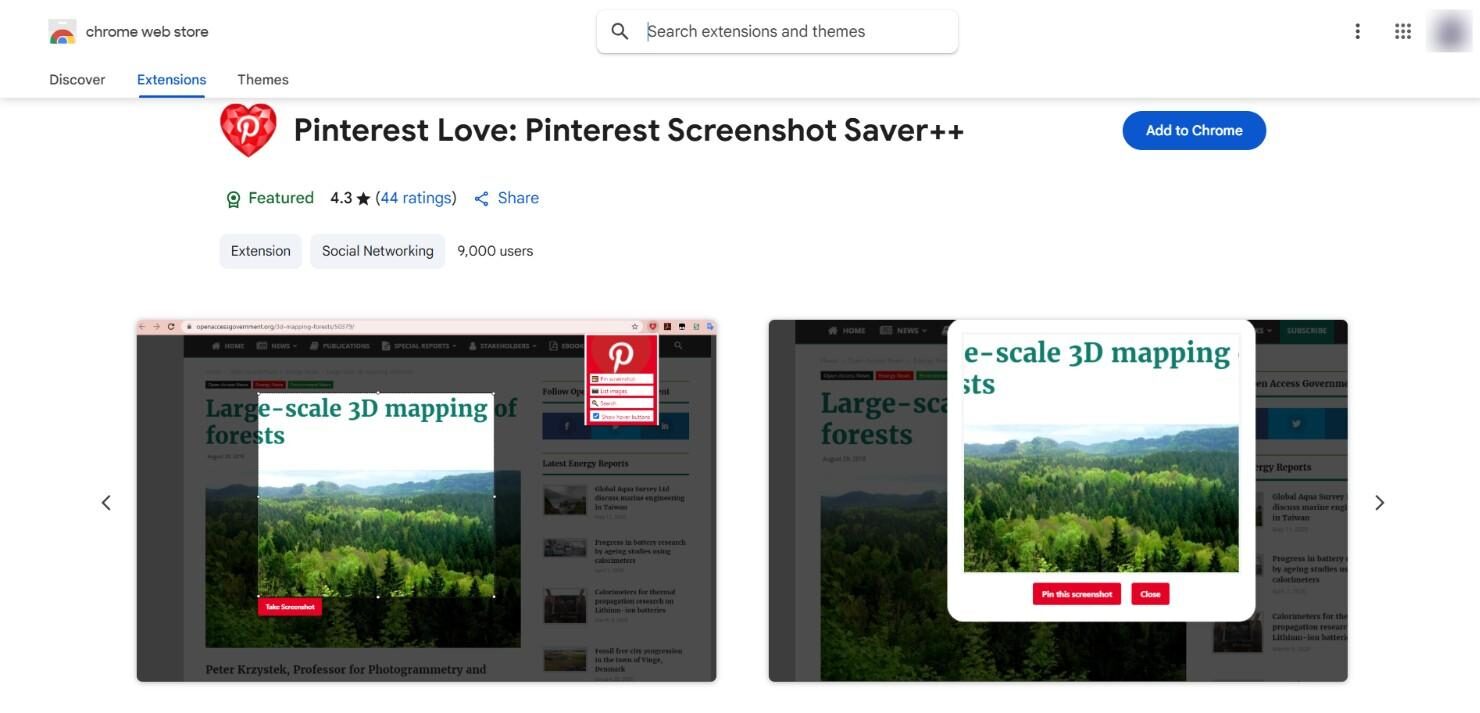
Pinterest Screenshot Saver++ has emerged as one of the more reliable Pinterest screenshot extensions, especially in a space where many tools appear briefly and then disappear. It stands out for its consistency, useful feature set, and ongoing usability, making it a dependable choice for regular Pinterest users.
This extension includes several practical features. It shows a list of all images available for pinning on any webpage, allows you to remove Pinterest results from Google Images for a cleaner search experience, and lets you upload images from virtually any site directly to Pinterest. It also comes with a night mode that makes browsing more comfortable during extended sessions.
You can capture, annotate, and edit screenshots directly within your browser before saving them as pins, which adds convenience and flexibility. The extension is completely free to use and continues to receive updates, improving performance, stability, and overall user experience over time.
6) Pin Toolbox
Pin Toolbox is a simple yet effective Chrome extension designed to make saving and organizing Pinterest content faster. It adds a quick access button that lets you pin images directly without opening multiple tabs. You can also view Pinterest statistics for images, helping you understand which content performs better.
The extension works smoothly across most websites and integrates well with your existing Pinterest workflow. It is especially useful for users who regularly curate content and want a cleaner, distraction-free experience. While it does not include advanced marketing features, it focuses on speed and ease of use.
For everyday Pinterest users who value simplicity and quick actions, Pin Toolbox is a practical and reliable browser extension.
7) Pinterest Video Downloader
Pinterest Video Downloader is built for users who want to save video content from Pinterest for offline use. Instead of relying on external tools, this extension lets you download videos directly from the platform with just a few clicks. It automatically detects video pins and provides a download option without requiring any technical steps.
The interface is clean and easy to understand, making it suitable for beginners. This tool is helpful for content creators, marketers, or anyone collecting visual references. It supports high-quality downloads and works quickly without slowing down your browser.
If you frequently save video ideas, tutorials, or inspiration from Pinterest, this extension provides a straightforward and efficient solution.
8) Hover Zoom+
Hover Zoom Plus enhances your browsing experience by allowing you to preview images in full size simply by hovering over them. When used with Pinterest, it helps you quickly view high-resolution versions of pins without opening each one individually.
This can save significant time when browsing large image collections or searching for specific visual details. The extension works across many websites, making it a useful all-purpose tool beyond Pinterest. It is easy to set up and runs quietly in the background without interruptions.
For users who prefer fast visual browsing and quick previews, Hover Zoom Plus adds convenience and improves overall efficiency during content discovery.
9) Save to Pocket
Save to Pocket is not exclusively built for Pinterest, but it complements the platform very well. It allows you to save articles, images, and ideas from across the web in one organized place for later viewing. When combined with Pinterest, it helps users manage content before deciding what to pin.
You can collect inspiration, research ideas, and revisit them anytime without losing track. The extension works with a single click and syncs across devices, making it ideal for users who switch between desktop and mobile. It also supports offline access, which adds extra flexibility.
For those who want better content organization alongside Pinterest, Save to Pocket is a valuable and efficient tool.
10) Evernote Web Clipper
Evernote Web Clipper is a powerful extension that works well alongside Pinterest, especially for users who like to organize ideas in a more structured way. It allows you to save images, articles, and web pages directly into your Evernote account with a single click.
While Pinterest is great for visual discovery, this tool helps you store detailed notes, references, and context behind your saved ideas. You can clip specific sections of a page, add tags, and organize content into notebooks for easy access later.
This makes it ideal for bloggers, designers, and researchers who want more control over their content library. It also syncs across devices, ensuring your saved inspiration is always accessible and neatly organized.
Also, Read:
- Best Pinterest Tools for Growth
- Guide to Claim Your Website on Pinterest
- How to Unblock Someone on Pinterest
- Best Pinterest Proxies for Automation
- How to Log Out of Pinterest on iPhone?
Frequently Asked Questions
What are Pinterest Chrome extensions?
Pinterest Chrome extensions are browser tools that help you save, organize, and manage content directly from your browser. They allow users to pin images, download visuals, and streamline their workflow without opening Pinterest separately, making content discovery and saving faster and more efficient.
Are Pinterest Chrome extensions safe to use?
Most Pinterest Chrome extensions are safe if downloaded from trusted sources like the Chrome Web Store. Always check reviews, ratings, and permissions before installing. Avoid unknown extensions with low credibility to protect your data and ensure a secure browsing experience.
Which is the best Pinterest Chrome extension?
The best Pinterest Chrome extension depends on your needs. For saving content, the Pinterest Save Button works well. For scheduling, Tailwind is ideal. Image Downloader is useful for downloading images. Each extension serves a different purpose, so choosing one depends on your workflow.
Can I download images using Pinterest Chrome extensions?
Yes, many Pinterest Chrome extensions let you easily download images. Tools like Image Downloader scan web pages and let you select and download images individually or in bulk. This is especially helpful for collecting inspiration, references, or creating mood boards quickly.
Do Pinterest Chrome extensions work on other browsers?
Some Pinterest Chrome extensions are also available on browsers like Mozilla Firefox, Microsoft Edge, and Safari. However, availability depends on the developer. Many popular tools offer cross-browser support, making them accessible even if you are not using Google Chrome.
Are Pinterest Chrome extensions free to use?
Many Pinterest Chrome extensions are free and offer essential features, such as saving pins and downloading images. Some advanced tools, such as scheduling platforms, may offer both free and paid plans, allowing users to upgrade for additional features and better performance.
How do Pinterest extensions improve productivity?
Pinterest extensions improve productivity by reducing the time spent saving and organizing content. Instead of switching tabs, users can pin or download images instantly. This helps maintain focus, speeds up workflows, and makes managing creative ideas more efficient.
Can I schedule pins using Chrome extensions?
Yes, certain extensions like Tailwind allow you to schedule pins in advance. You can create a content queue and automatically publish posts at optimal times. This helps maintain consistency, improve engagement, and save time compared to manual posting throughout the day.
Do Pinterest Chrome extensions slow down the browser?
Most well-developed Pinterest Chrome extensions are lightweight and do not affect browser performance. However, installing too many extensions at once can slow your system down. It is best to keep only the extensions you actively use for optimal performance.
Why should I use Pinterest Chrome extensions?
Pinterest Chrome extensions make it easier to save, organize, and manage visual content directly from your browser. They enhance your overall experience by simplifying tasks, saving time, and helping you stay organized, whether you are browsing casually or working on creative projects.
Conclusion
Pinterest Chrome extensions can significantly enhance your overall pinning experience by making it faster, more organized, and highly efficient. These tools bridge the gap between browsing and saving content, allowing you to pin images, manage boards, and streamline your workflow without unnecessary steps. Whether you are a casual user collecting inspiration or a marketer focused on growth, the right extension can improve productivity and save valuable time.
For users leveraging Pinterest marketing, content creation, or business growth, these extensions offer practical advantages, including automation, bulk actions, and improved content management. Choosing the right tools can help you stay consistent and maximize your results with minimal effort.
It is also important to note that some extension links may become outdated over time, leading to occasional errors. However, this is not a major concern, as the Chrome Web Store regularly features updated and alternative options. A simple search using relevant keywords will help you quickly discover reliable extensions that match your needs and keep your workflow uninterrupted.
