
Disclosure: Some links in this article are affiliate or sponsored links. If you buy through them, we may earn a commission at no extra cost to you. Our opinions are our own.
NordVPN is one of those names you can’t avoid if you’ve spent more than five minutes looking into online privacy tools. It shows up in podcast ads, YouTube sponsorships, and pretty much every “best VPN” list on the internet. But being everywhere doesn’t automatically make a product good, so I spent real time with the app across different devices and use cases to see whether it actually holds up once the marketing noise is stripped away.
This review covers everything that matters before you hand over your card details: speed, streaming, security, torrenting, pricing, and how it behaves day to day rather than just on paper.
To keep things practical, I installed the app on a laptop and a phone, connected to servers at varying distances, streamed from a few different platforms, torrented a legal file to check P2P performance, and contacted support with a handful of genuine questions rather than scripted ones. The goal was to see how it performs in situations you’d actually run into, not just in a lab setting.
What Is NordVPN?
NordVPN is a virtual private network service built by Nord Security, a company that also owns password manager NordPass and encrypted storage tool NordLocker. At its core, it encrypts your internet traffic and routes it through a server of your choosing, which hides your real IP address and makes it much harder for your internet provider, websites, or anyone snooping on public WiFi to see what you’re doing online.
The service is headquartered in Panama, a country with no mandatory data retention laws. That location matters more than people realize. It means NordVPN isn’t legally required to keep logs of your activity, and it can’t hand over data it never collected in the first place, even if a government agency comes asking.
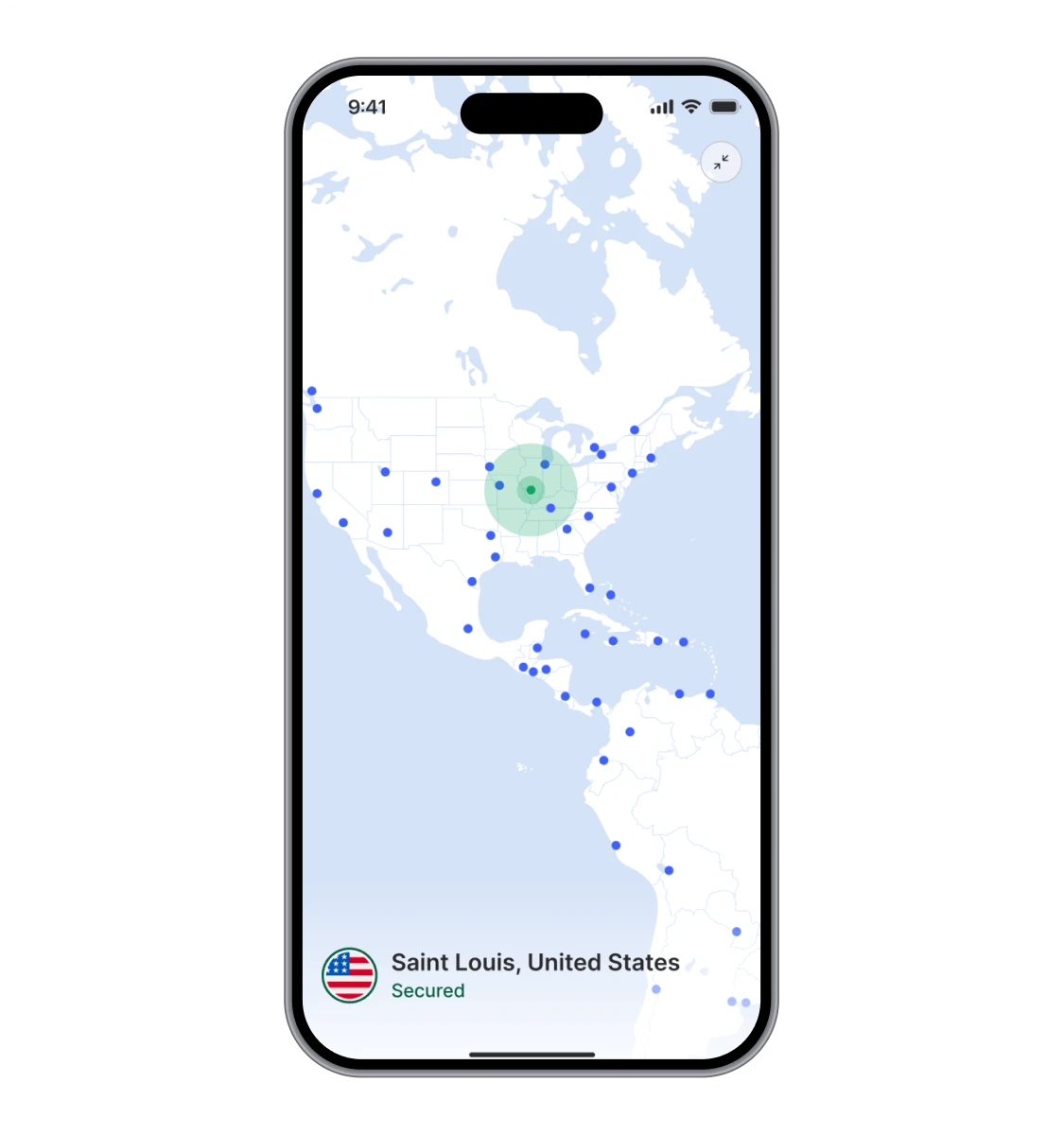
NordVPN runs on close to 7,000 servers spread across more than 110 countries, giving you plenty of options whether you want a fast local connection or a server on the other side of the world to unlock region-locked content.
Setting Up and Using the App
Installation is genuinely painless. I downloaded the desktop app, signed in with my account, and was connected to a server within about two minutes. No manual configuration, no digging through settings menus just to get protected.
The interface relies on a world map where you can click a country to connect, or just hit “Quick Connect” and let the app pick the fastest nearby option for you. There’s also a search bar if you want a specific city or server type. Everything is laid out sensibly enough that a first-time VPN user won’t feel lost. At the same time, the specialty servers menu (P2P, obfuscated, Double VPN, Onion Over VPN) gives more experienced users room to get specific about their setup.
The one recurring annoyance I ran into was connection speed to distant servers. Connecting to something nearby is almost instant, but I occasionally waited 20 to 30 seconds for a server on the other side of the world to connect, and twice I had to close and reopen the app to get it to cooperate. It’s a minor gripe rather than a dealbreaker, but worth knowing before you rely on it for a video call to a faraway location.
Speed Test Results
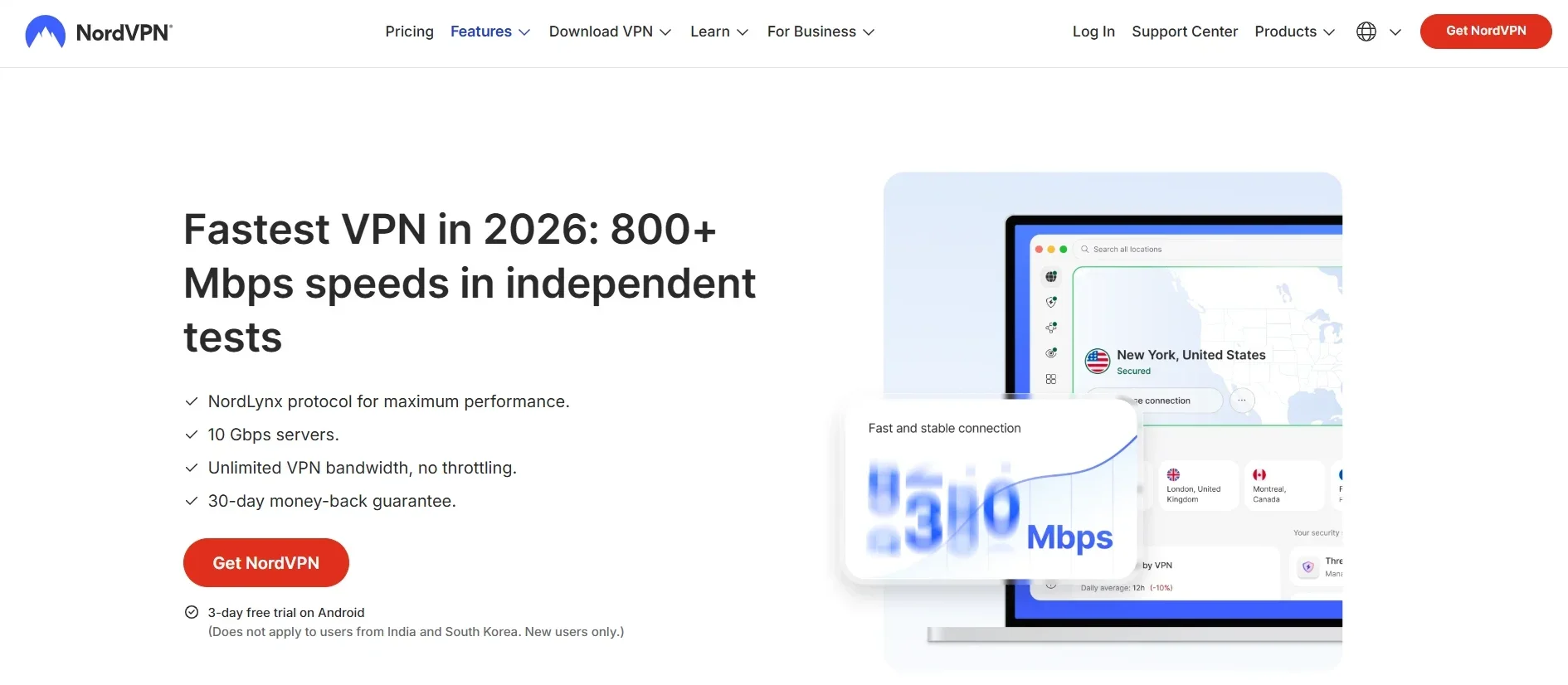
Speed is usually where VPNs disappoint people, since encrypting and rerouting traffic naturally adds some overhead. NordVPN uses its own NordLynx protocol, built on top of WireGuard, and it’s designed specifically to cut down that overhead while keeping the connection secure through a double NAT system. Third-party benchmarking has backed this up too. NordVPN was named the fastest provider in an independent speed evaluation run by AV-TEST, and while other providers have closed the gap since, it’s stayed near the top of the pack.
In practice, the difference was small on nearby servers. Streaming HD video, downloading files, and browsing all felt normal, and I wouldn’t have noticed a VPN was running if I hadn’t checked the icon in my system tray. Longer-distance connections, like hopping to a server on another continent, saw a noticeably bigger ping increase, which makes sense given the physical distance the data has to travel, but downloads were still fast enough for smooth 4K streaming.
If raw speed is your main priority, it’s worth comparing a few providers side by side rather than taking any single review at face value, since results shift depending on your own ISP and location.
To get a clearer picture, I ran the same download test across a handful of server locations, comparing each one against my baseline connection without any VPN running. Servers within my own region barely registered a difference, usually within 10 to 15 percent of my normal download speed. Servers on a neighboring continent dropped that further, sometimes by close to half, which lines up with what you’d expect given the extra distance data has to travel. The one consistent pattern was that ping increased far more than download speed did on long-distance connections, which matters more for anything real-time than it does for simple downloads or standard streaming.
Gaming Performance
Gaming puts a different kind of pressure on a VPN than streaming does, since ping and consistency matter more than raw throughput. I connected to a nearby server and played a few rounds of a couple of fast-paced multiplayer titles, and the added latency was barely noticeable, usually adding somewhere in the 5 to 10 millisecond range on top of my normal ping.
Distance changes that story quickly. Connecting to a server on another continent pushed ping high enough that anything requiring split-second reactions became noticeably harder, though slower-paced or single-player online games were still perfectly playable. The practical takeaway is simple: stick to the nearest server for competitive play, and only reach for a distant one when you specifically need to appear in another region, like accessing a game server that’s geo-restricted.
NordVPN also supports Meshnet, a feature that lets you link your own devices (or a friend’s, with permission) into a private encrypted network. It’s a nice bonus for LAN-style gaming with friends who aren’t in the same physical location, though it’s a more niche feature than most people will actually use day to day.
Streaming Performance
This is the feature most people actually care about, and NordVPN handles it well. I tested it against Netflix, and it consistently unblocked different regional libraries on the first server I tried, without the endless server-hopping that some cheaper VPNs require.
It also worked reliably with Disney+, Amazon Prime Video, and BBC iPlayer, which tend to be some of the trickier platforms for VPNs to bypass because of how aggressively they detect and block VPN traffic. NordVPN’s SmartPlay feature automatically blends VPN encryption with smart DNS in the background, so you don’t need to manually configure anything to get a foreign Netflix library working.
If streaming is your main use case, it’s worth checking our roundup of VPN picks for other providers that specialize in unblocking specific platforms, since NordVPN isn’t the only option that handles this well.
Security and Privacy
Security is where NordVPN puts in the most visible effort, and it shows.
Encryption: Traffic is protected with AES-256 encryption, the same standard used by banks and government agencies, paired with perfect forward secrecy so encryption keys rotate regularly.
Protocols: You get a choice between NordLynx (its WireGuard-based protocol), OpenVPN, and IKEv2, so you can prioritize speed or a more traditional, battle-tested option depending on your needs.
Kill switch: If the VPN connection drops unexpectedly, the kill switch cuts your internet access instantly rather than letting your device fall back to an unprotected connection. I tested this by manually killing the VPN process mid-download, and it worked exactly as advertised.
RAM-only servers: Every server runs on volatile memory, meaning nothing is written to a hard disk, and everything gets wiped on reboot. That’s a meaningful safeguard against physical server seizure.
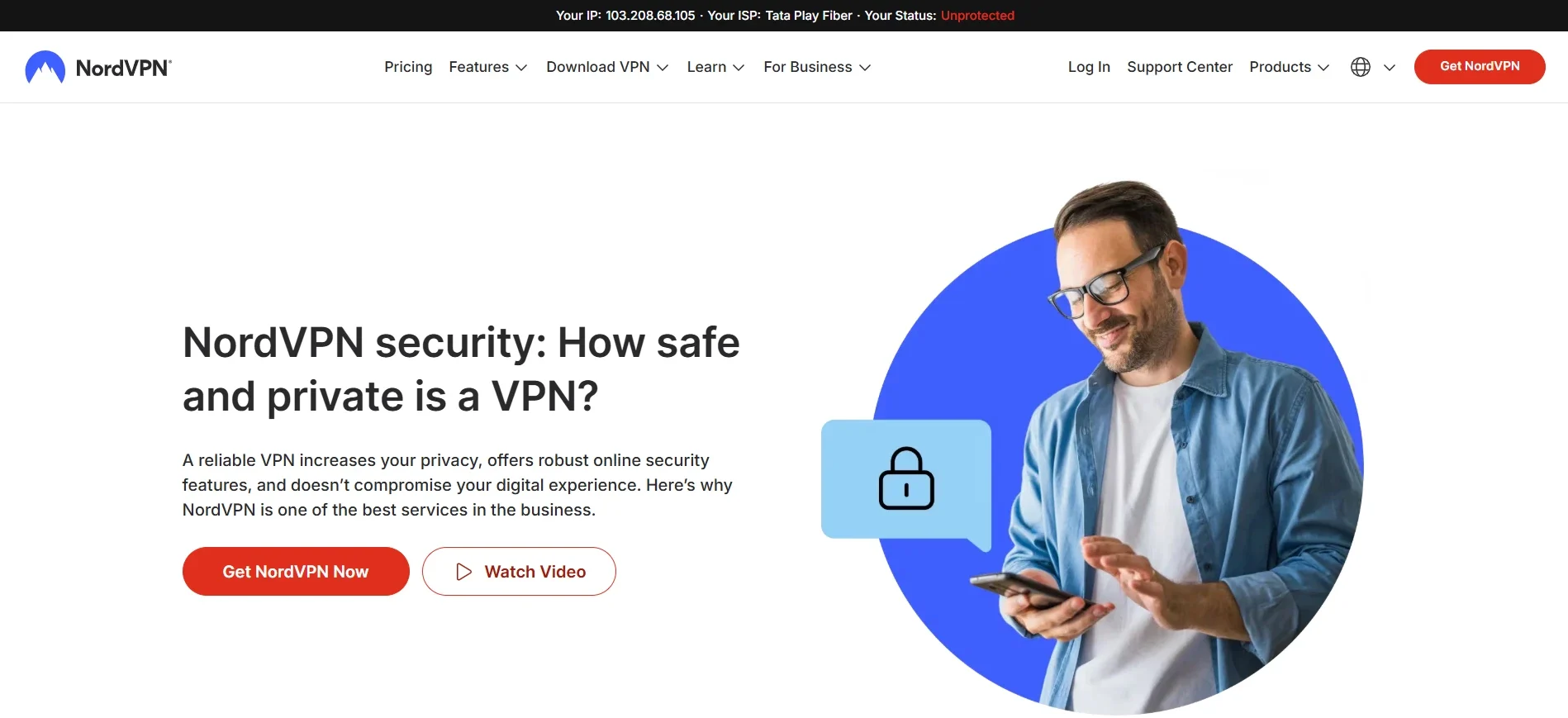
No-logs policy: NordVPN doesn’t track your browsing activity, IP address, or connection timestamps. This claim has actually been verified more than once through independent no-logs audits, which is a lot more reassuring than simply taking a company’s word for it. NordVPN also publishes regular transparency reports detailing how many government data requests it receives and how it responds to them.
There’s also a Threat Protection feature that blocks malicious websites, trackers, and intrusive ads even when you’re not connected to a server, plus Dark Web Monitor, which checks whether your email address has shown up in any known data breaches. Neither is essential to a VPN’s core job, but both are genuinely useful extras that you’d otherwise pay for separately.
Access in Restrictive Countries
Worth flagging separately: NordVPN offers obfuscated servers designed to disguise VPN traffic in countries with heavy internet censorship, like China, Iran, and the UAE. They help, but they don’t guarantee anything. Support staff have been upfront that connectivity in these regions can be inconsistent, so if you’re traveling somewhere with strict controls, download and configure the app before you arrive, since the website and app stores are often inaccessible once you’re there.
Torrenting and P2P Support
NordVPN supports P2P traffic and automatically reroutes you to an optimized server if you start a torrent while connected to a regular one. During testing, download speeds on P2P servers were close to what I got without any VPN running at all, which is a solid result.
The one gap here is port forwarding. It’s not offered at all, which may matter if you’re trying to maximize peer connections for very large torrents, though most casual users won’t notice the difference. Combined with the kill switch and no-logs policy, it’s still a safe enough setup for everyday file sharing, provided you’re only downloading content you actually have the right to.
Device Compatibility
NordVPN covers pretty much every device you’d want to protect: Windows, macOS, Linux, iOS, Android, and browser extensions for Chrome, Firefox, and Edge. It also has dedicated apps for Android TV, Fire TV, and Apple TV, plus router-level setup if you want to protect every device on your home network at once.
A single subscription covers up to 10 simultaneous connections, and if you install it directly on a router, that only counts as one device while covering your entire household. That’s generous compared to several competitors that cap out lower.
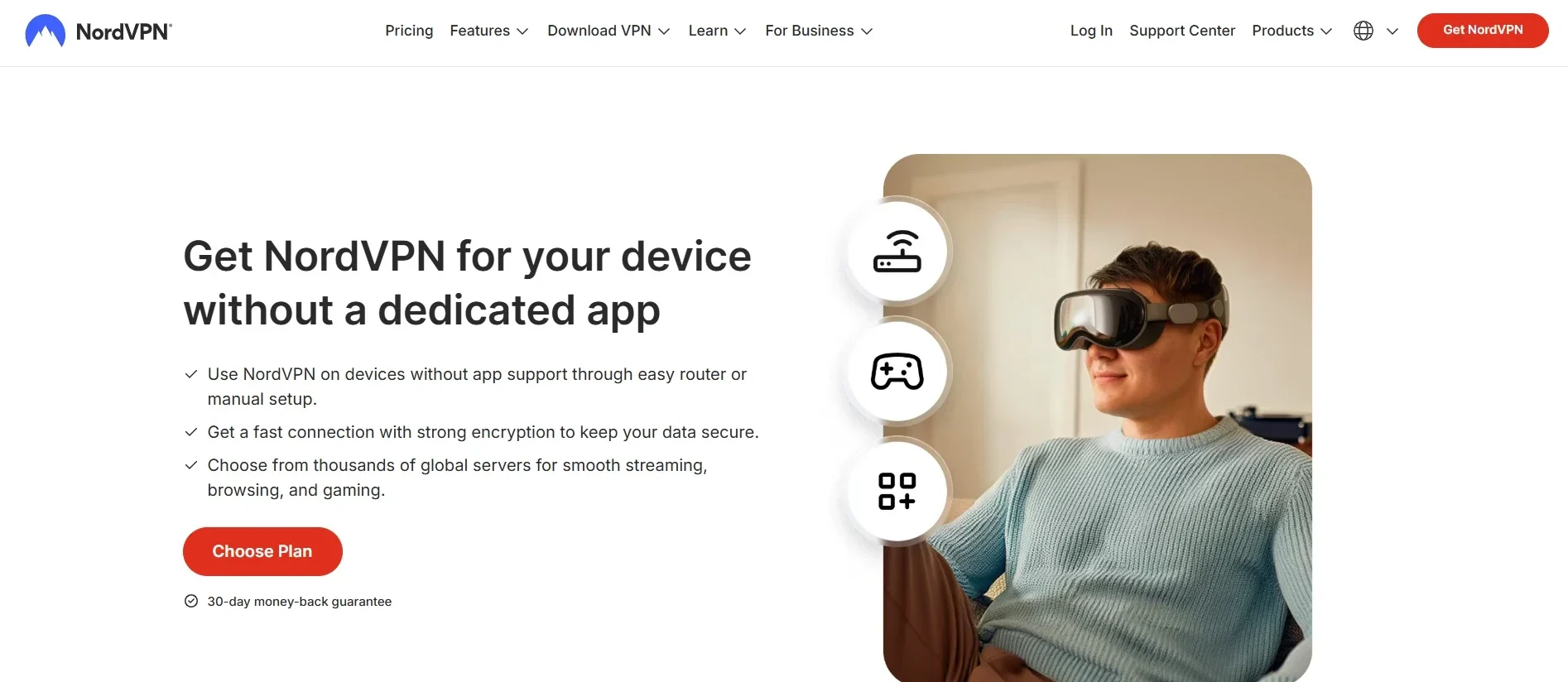
Desktop apps get the fullest feature set, including split tunneling on Windows, which lets you choose which specific apps route through the VPN while everything else uses your normal connection. That’s handy if you want, say, your torrent client protected while keeping a video call on your regular network for the sake of speed. Mobile apps are slightly more limited on customization but still cover the essentials: kill switch, auto-connect on untrusted WiFi, and quick access to specialty servers.
Setting NordVPN up on a router took a bit more patience than the desktop or mobile apps, closer to 15 minutes following NordVPN’s own instructions, but once done it quietly protects every device on the network, including smart TVs, consoles, and anything else that doesn’t support a VPN app natively.
Pricing and Plans
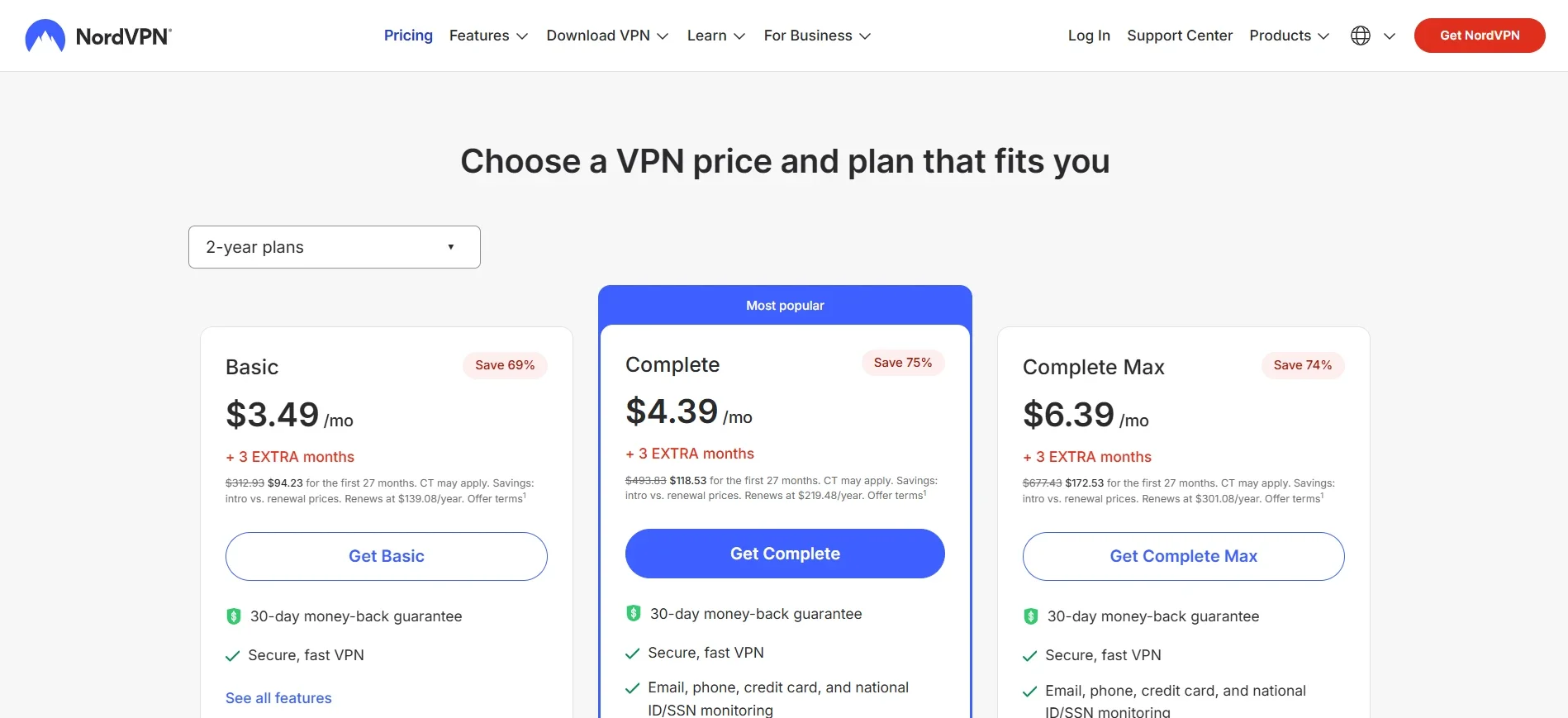
NordVPN’s pricing structure rewards long-term commitment. The monthly plan runs at a noticeably higher price than the two-year option, which brings the effective monthly cost down significantly. There are three main tiers:
- Basic covers the core VPN features.
- Plus adds Threat Protection Pro and the NordPass password manager.
- Complete bundles in encrypted cloud storage through NordLocker on top of everything in Plus.
The catch with any long-term plan is that the discounted rate only applies to your first term. Once it renews, you’re billed at the standard rate, so if you don’t want that jump, mark a reminder to cancel auto-renewal before the term ends.
Every plan comes with a 30-day money-back guarantee, and I tested the refund process personally through live chat. The agent asked a few questions about why I wanted to cancel, which felt more like standard retention practice than an obstacle, and the refund was processed without any real pushback.
Customer Support
Support is available through 24/7 live chat, email, and a fairly deep knowledge base covering setup guides for nearly every device and troubleshooting steps for common issues. Live chat connected me to a human agent in under a minute both times I tried it, and the agent was able to answer a fairly technical router configuration question without having to escalate it.
If you’d rather solve things yourself, the knowledge base is genuinely well organized, which saves you from digging through a generic FAQ page that doesn’t actually address your issue.
Pros and Cons
What works well:
- Fast, stable connections on nearby servers
- Reliable streaming access across major platforms
- Independently audited no-logs policy
- Strong extra features like Threat Protection and Dark Web Monitor
- Supports 10 simultaneous devices
- 30-day money-back guarantee that’s honored without hassle
Where it falls short:
- Renewal pricing jumps after the introductory term
- No port forwarding for torrenting
- Occasional slow connection times on distant servers
- Access in heavily restricted countries isn’t guaranteed
Who Should Actually Get NordVPN
Not every VPN fits every kind of user, so it’s worth being specific about who gets the most value here.
If you regularly connect to public WiFi at cafes, airports, or co-working spaces, the combination of strong encryption and a reliable kill switch makes NordVPN a solid daily driver. If you travel a lot or just like watching shows that aren’t available in your home country, its consistent Netflix and streaming performance makes that a genuinely practical use case rather than a gamble. And if privacy is the priority rather than a side benefit, the audited no-logs policy and Panama jurisdiction give you something more concrete to point to than most competitors offer.
It’s a weaker fit if you specifically need guaranteed access in a country with heavy internet restrictions, or if port forwarding is a hard requirement for how you torrent. In either of those specific cases, it’s worth checking alternatives before committing to a longer plan.
Final Verdict
NordVPN earns its reputation more through consistency than any single standout feature. It’s fast where it counts, it streams reliably, and its privacy claims are backed by actual audits rather than just a promise on a webpage. The extras like Threat Protection and Dark Web Monitor add real value without cluttering the app.
The trade-offs are minor for most people: a price increase after your first term, no port forwarding, and occasional lag when connecting to servers far from home. None of that is likely to be a dealbreaker unless you have a very specific use case that depends on one of those things.
If you’re deciding between VPNs for general privacy, streaming, and everyday browsing protection, NordVPN is a safe recommendation. For a broader comparison against other providers we’ve tested, take a look at our full proxy and VPN coverage before making a final call.
Frequently Asked Questions
Is NordVPN safe to use?
Yes. It uses AES-256 encryption, runs RAM-only servers, and has had its no-logs policy independently verified through multiple audits.
Does NordVPN work with Netflix?
Yes, it reliably unblocks several regional Netflix libraries along with other major platforms like Disney+ and BBC iPlayer.
Can I use NordVPN for torrenting?
Yes, though it doesn’t support port forwarding, which some torrenting setups rely on for connecting to more peers.
How many devices can I connect at once?
Up to 10 simultaneously on any plan, or unlimited devices at home if you set it up directly on your router.
Does NordVPN offer a free trial?
There’s no free trial through the website, but Android users can get a 7-day trial via Google Play, and every plan comes with a 30-day money-back guarantee.
Will NordVPN slow down my internet?
Slightly, though the drop is minor on nearby servers thanks to the NordLynx protocol. Distant servers see a bigger dip in speed and a noticeable rise in ping, but both stay well within range for HD streaming and normal browsing.
Is NordVPN based in a privacy-friendly country?
Yes. It’s headquartered in Panama, which has no mandatory data retention laws and sits outside the major international intelligence-sharing alliances, giving its no-logs policy more legal weight than providers based in countries that require data retention.
