
In today’s digital-first world, making calls no longer depends entirely on mobile networks. Whether you’re dealing with weak cellular signals, traveling internationally, or simply trying to save on call costs, WiFi calling apps offer a practical and affordable solution. These apps let you make voice and video calls using an internet connection, often without needing a SIM card.
With so many options available, choosing the right app can be challenging. Some apps are best for free personal calls, while others focus on privacy, international calling, or SIM-free usage. In this article, we’ve carefully selected the 7 best WiFi calling apps that stand out in terms of reliability, call quality, security, and real-world usability in 2026.
Best WiFi calling apps
1. WhatsApp
WhatsApp is one of the most widely used WiFi calling apps globally, trusted by billions of users for everyday communication. It allows users to make free voice and video calls over WiFi, helping them stay connected even in areas with poor mobile network coverage.
The app delivers consistent call quality on both high- and low-bandwidth internet connections, making it suitable for international calls. With end-to-end encryption enabled by default, WhatsApp ensures that conversations remain private and secure. Its simple interface, cross-platform availability, and massive user base make it an obvious and convenient choice for personal and international communication.
Key Features
- Free voice and video calls over WiFi
- End-to-end encrypted calls
- Works well on low bandwidth
- Group calling support
Supported Platforms: Android, iOS, Web, Desktop
Pros
- Completely free
- Excellent call clarity
- Massive global user base
Cons
- Both users must use WhatsApp
- No calling to landlines
Best For: Everyday WiFi calling and international calls between contacts
2. Signal
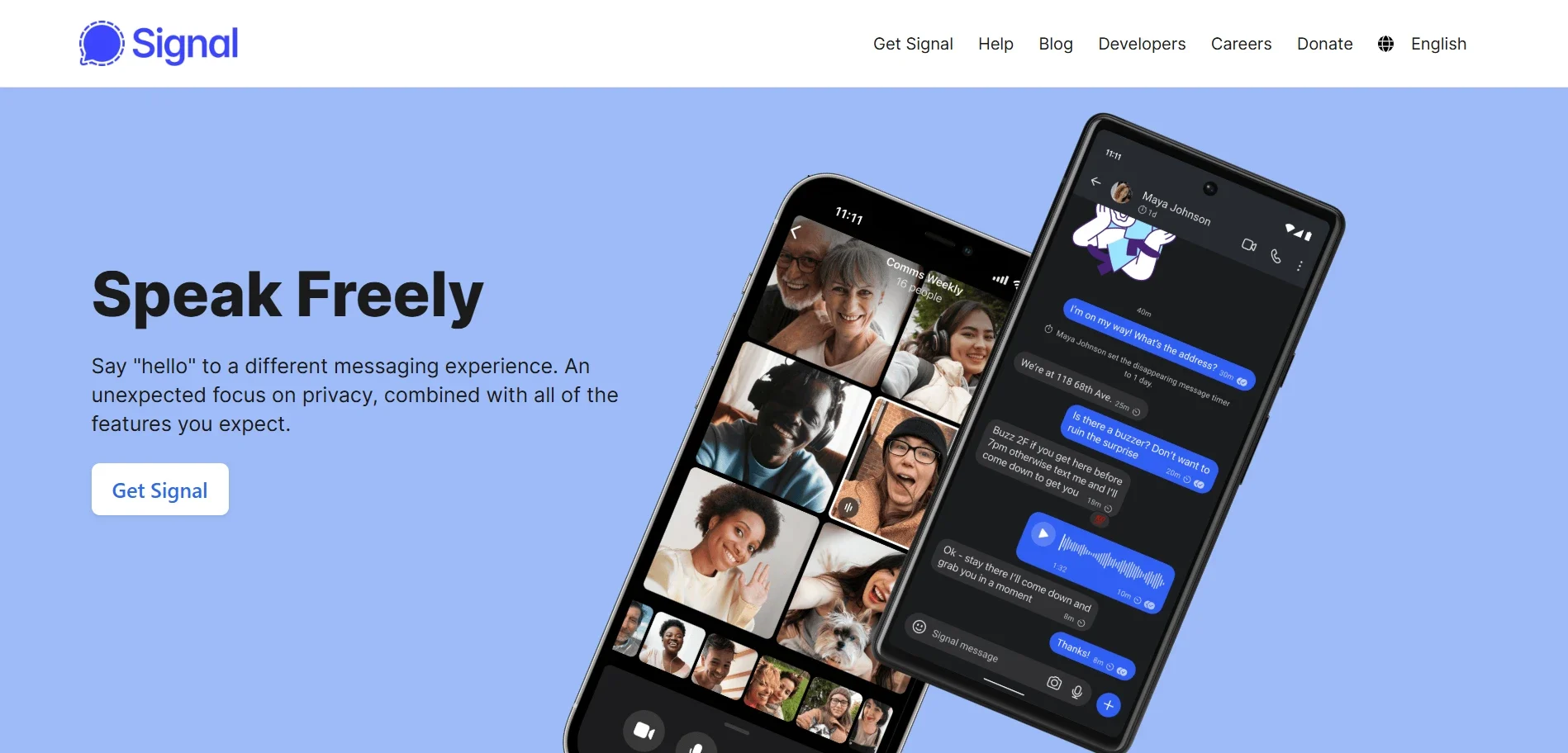
Signal is a privacy-focused Wi-Fi calling app trusted by security experts, journalists, and privacy advocates worldwide. It offers high-quality voice and video calls over WiFi, protected by strong end-to-end encryption that ensures conversations remain completely private.
Unlike many communication apps, Signal does not display ads, use trackers, or collect user data for commercial purposes. The app is open-source, allowing its security protocols to be publicly audited for transparency and trust. With a clean, distraction-free interface and reliable call performance, Signal is an excellent choice for users who prioritize confidentiality and secure communication.
Key Features
- End-to-end encrypted WiFi calls
- Open-source security protocol
- No ads or tracking
- Minimal data usage
Supported Platforms: Android, iOS, Windows, macOS, Linux
Pros
- Industry-leading privacy
- Clean, distraction-free interface
- Free to use
Cons
- Requires both users to have Signal
- No landline or international number calling
Best For: Secure and private WiFi calling
3. Google Voice
Google Voice is a strong WiFi calling option, particularly for users who want a dedicated phone number without relying on a physical SIM card or traditional carrier. It allows users to make and receive calls over WiFi, send and receive text messages, and manage voicemail from a single, unified interface.
The service includes voicemail transcription, spam call filtering, and cross-device call forwarding. With seamless integration into the Google ecosystem, Google Voice works smoothly on smartphones and web browsers, making it a reliable solution for personal, professional, and backup communication needs.
Key Features
- Free WiFi calls within the US
- Low-cost international calling
- Voicemail transcription
- Spam call filtering
Supported Platforms: Android, iOS, Web
Pros
- Easy to use
- Reliable call quality
- Integrated with Google services
Cons
- Limited availability outside the US
- Requires a Google account
Best For: SIM-free WiFi calling and secondary phone numbers
4. Viber

Viber is a popular WiFi calling app known for its secure communication features and reliable international calling capabilities. It allows users to make free voice and video calls over WiFi to other Viber users, making it ideal for staying connected across borders.
For calling mobile and landline numbers, Viber offers a paid service called Viber Out with competitive international rates. The app also supports group calls, messaging, and end-to-end encryption for private conversations. With cross-platform support and stable call quality, Viber is a practical choice for both personal and international Wi-Fi calling.
Key Features
- Free encrypted WiFi calls
- Viber Out for landline and mobile calls
- Group voice calls
- Cross-platform support
Supported Platforms: Android, iOS, Windows, macOS
Pros
- Good international call rates
- Strong encryption
- Stable performance
Cons
- Ads in the free version
- Credits required for non-Viber calls
Best For: Affordable international WiFi calling
5. FaceTime Audio
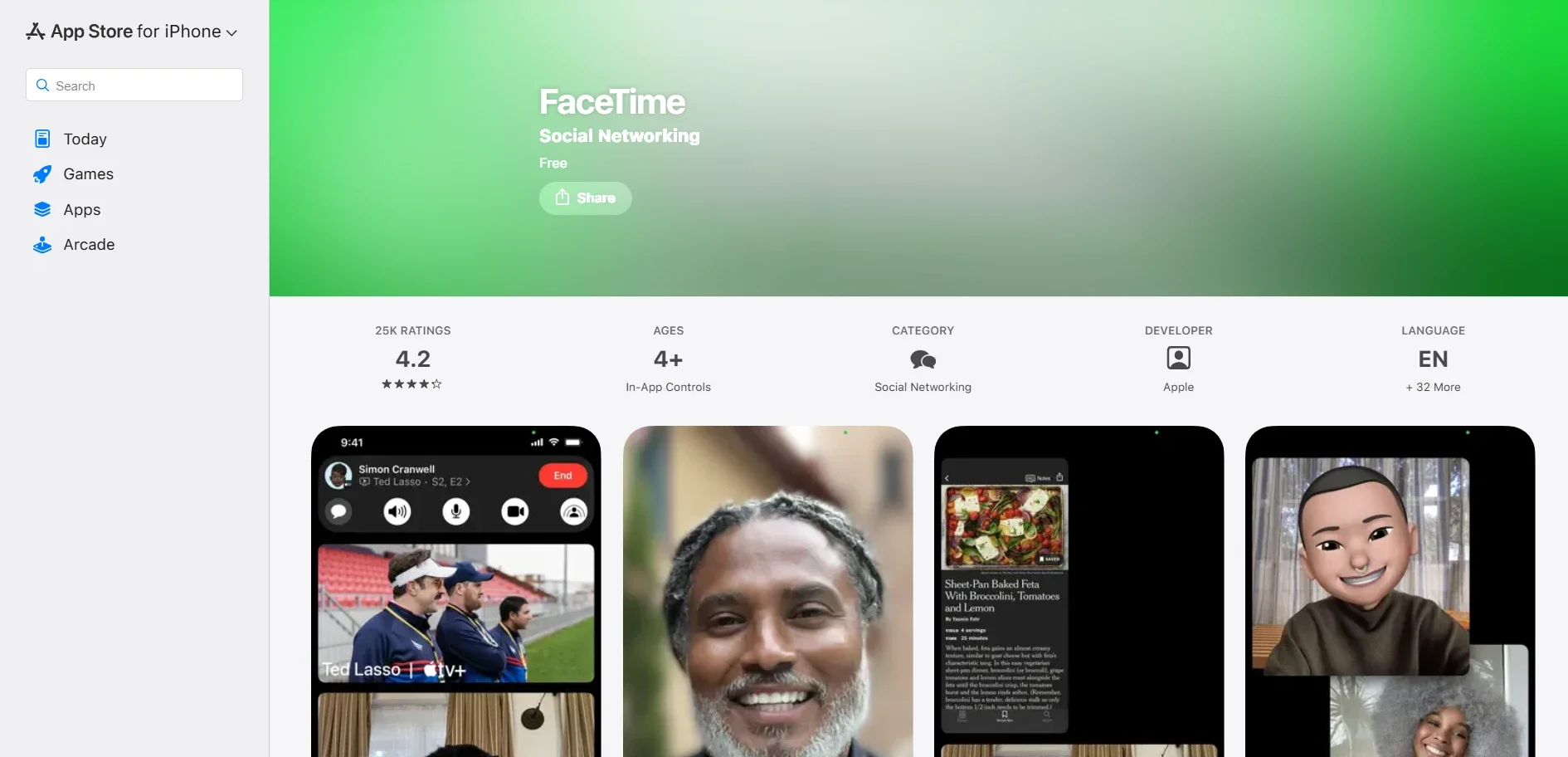
FaceTime Audio is a built-in Wi-Fi calling solution designed exclusively for Apple users, offering clear, reliable voice calls over an internet connection. It works seamlessly across iPhone, iPad, and Mac devices using an Apple ID, eliminating the need for additional apps or setup.
FaceTime Audio delivers excellent call quality with minimal latency and uses end-to-end encryption to keep conversations private. Because it integrates deeply into the Apple ecosystem, users can switch devices effortlessly during calls. This makes FaceTime Audio an ideal choice for Apple users seeking simple, secure, high-quality Wi-Fi calling.
Key Features
- High-quality WiFi audio calls
- End-to-end encryption
- No additional setup required
- Smooth Apple ecosystem integration
Supported Platforms: iPhone, iPad, Mac
Pros
- Crystal-clear audio
- Free and reliable
- Easy to use
Cons
- Apple-only
- Not suitable for cross-platform calls
Best For: iOS and macOS users
6. TextNow
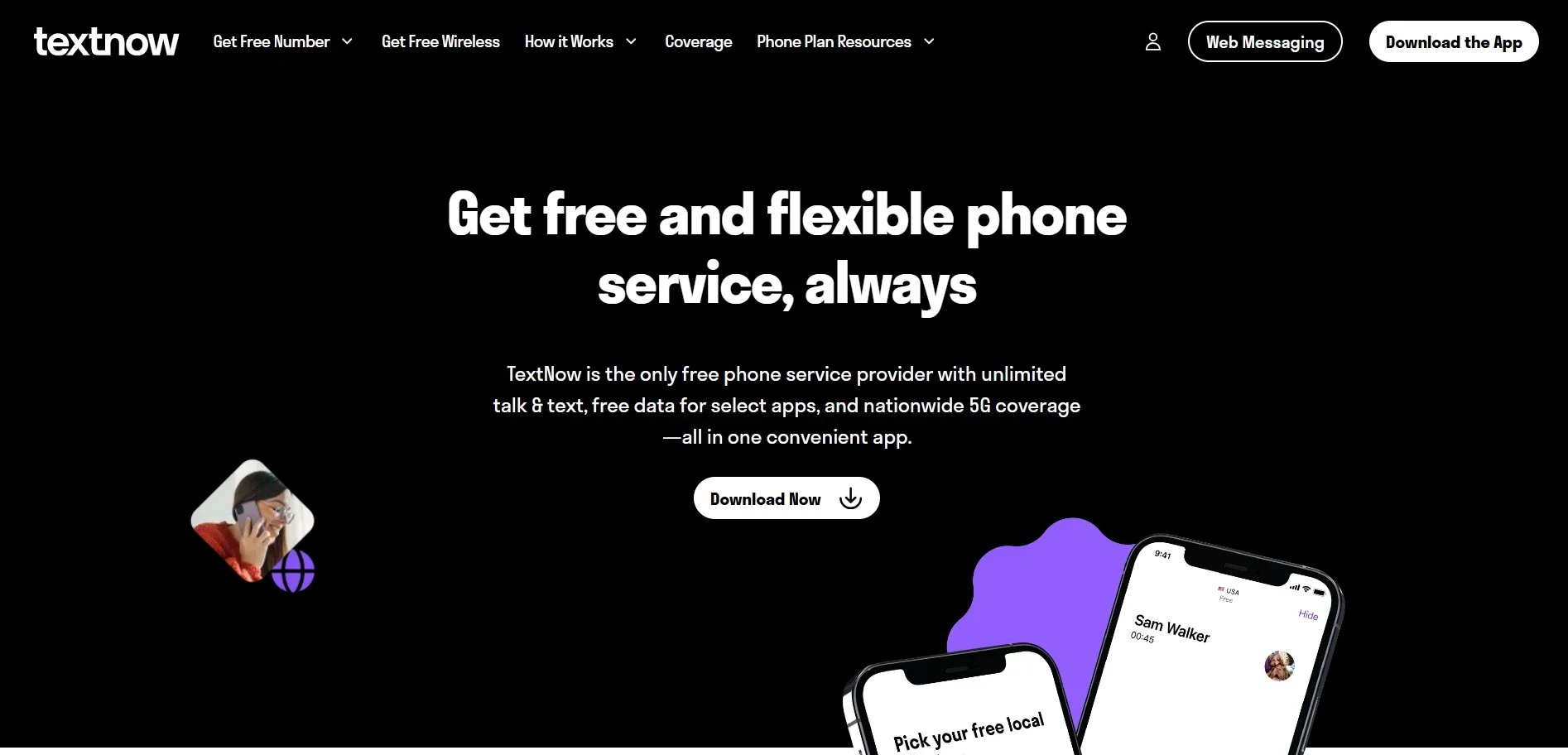
TextNow is a SIM-free WiFi calling app that provides users with a free US or Canada phone number, making it an excellent option for those who want calling and texting without relying on a traditional mobile carrier.
The app works entirely over WiFi, allowing users to make and receive calls, send messages, and access voicemail without a physical SIM card. TextNow is especially useful as a backup number or for users with limited cellular coverage. With simple setup and affordable international calling add-ons, it offers a flexible communication solution.
Key Features
- Free WiFi calling and texting
- No SIM required
- Voicemail and call forwarding
- Optional paid international calling
Supported Platforms: Android, iOS, Web
Pros
- Works without a SIM card
- Free calling in North America
- Simple setup
Cons
- Ads in the free version
- Limited global availability
Best For: SIM-less WiFi calling and backup numbers
7. Telegram
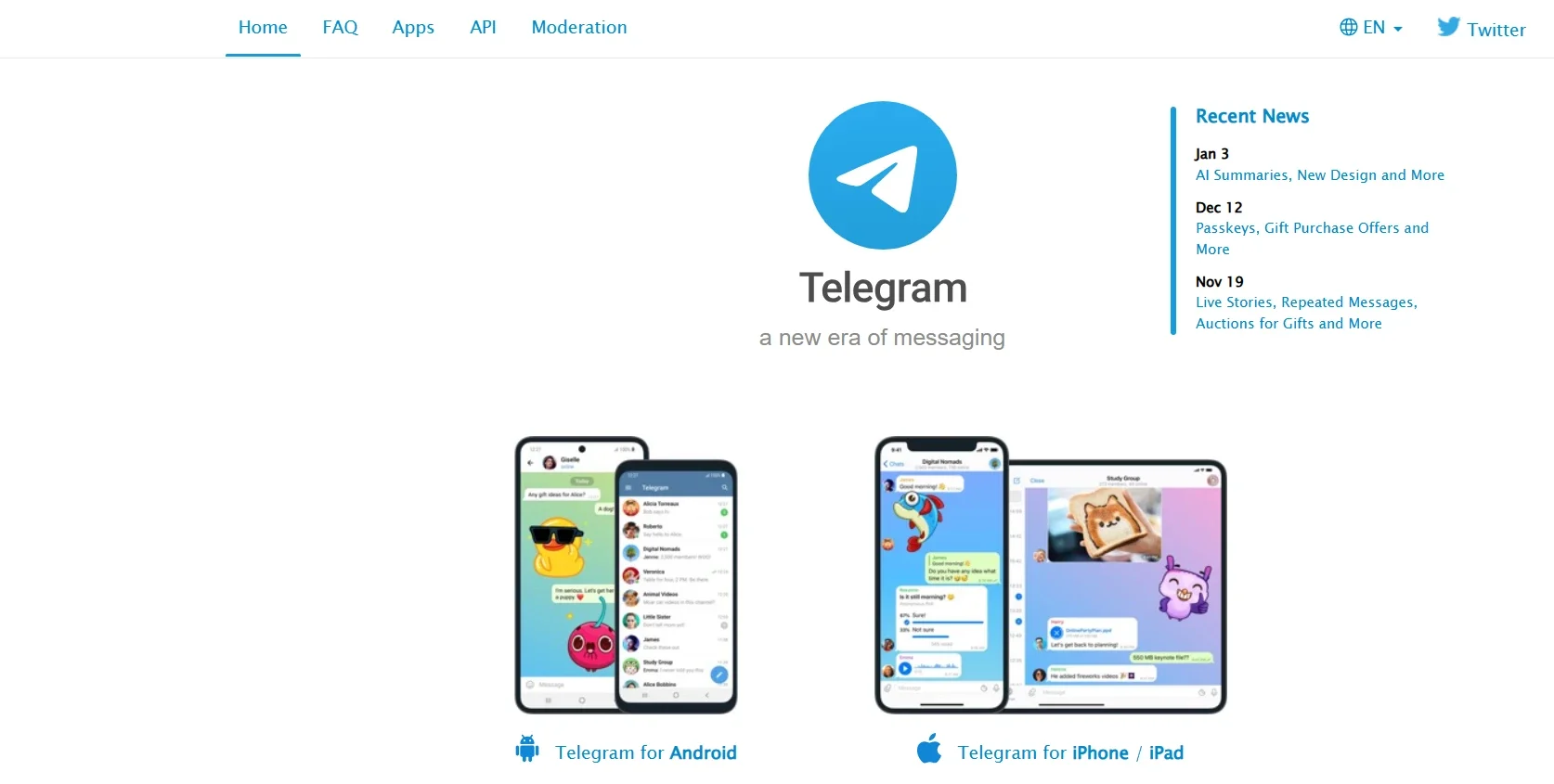
Telegram offers fast, secure Wi-Fi voice calls, with a strong emphasis on privacy and performance. Although it is primarily known as a messaging platform, its calling feature is well optimized and delivers clear audio even over slower or unstable internet connections. ‘
Telegram uses encryption to protect calls and does not rely on ads, ensuring a clean and distraction-free experience. The app syncs seamlessly across devices, allowing users to switch between mobile and desktop without interruptions. With its lightweight design and reliable call quality, Telegram is a solid choice for simple and privacy-friendly Wi-Fi calling.
Key Features
- Free WiFi voice calls
- Encrypted communication
- Lightweight and fast
- Cloud-based sync
Supported Platforms: Android, iOS, Windows, macOS, Linux
Pros
- Strong privacy features
- Fast call connection
- No ads
Cons
- No landline calling
- Limited call management features
Best For: Lightweight and privacy-friendly WiFi calling
Which WiFi Calling App Is Best for You?
If you want free, simple Wi-Fi calling, WhatsApp, and FaceTime Audio are excellent choices. For users who prioritize privacy, Signal and Telegram stand out. Those looking for SIM-free calling should consider Google Voice or TextNow, while Viber is ideal for international calls to landlines and mobile numbers.
Choosing the best WiFi calling app depends on your location, privacy needs, and whether you need to call non-app users.
FAQs About WiFi Calling Apps
Are WiFi calling apps free?
Most WiFi calling apps allow free voice and video calls between users of the same app when connected to WiFi. Charges typically apply only when calling landlines, mobile numbers, or non-app users, depending on the service and region.
Do WiFi calling apps work internationally?
Yes, WiFi calling apps work globally as long as you have a stable internet connection. You can make and receive calls from anywhere, though international charges may apply when calling mobile or landline numbers outside the app.
Is WiFi calling secure?
Most reputable WiFi calling apps use encryption to protect voice and video calls from unauthorized access. Apps like Signal and WhatsApp provide strong end-to-end encryption, ensuring conversations remain private and secure during transmission.
- Also, read: How to Turn Off Wi-Fi Calling on Android.
Conclusion
WiFi calling apps have become an essential communication tool in 2026, offering unmatched flexibility, affordability, and global accessibility. As mobile networks vary in reliability and cost, these apps offer a reliable alternative for staying connected via a stable internet connection.
Whether you need secure and private conversations, affordable international calling, or a SIM-free communication option, the apps discussed above cater to every major requirement. By choosing the right WiFi calling app based on your needs, you can communicate effortlessly across borders without depending on traditional mobile networks.
