

Video content is now consumed across many different devices and platforms, which has increased the demand for flexible video formats that maintain high quality while remaining compatible everywhere. As people watch videos on smartphones, tablets, laptops, smart TVs, and streaming platforms, the need for reliable video converter tools has grown significantly. Many users often face issues when a video file does not play properly on a specific device due to format limitations. This is where video converter software becomes extremely useful.
A video converter lets you easily convert your video files to another format that works better with your device, media player, or platform. Whether you need to convert videos for mobile viewing, online sharing, editing, or storage optimization, a good video converter ensures smooth playback without significant loss of quality. Many modern converters also support batch processing, high-speed conversion, and a wide range of popular video formats.
In this article, we present a detailed evaluation of the 10 best free video converter software currently available. Our comparison focuses on important factors such as conversion speed, supported file formats, ease of use, performance reliability, and additional features that enhance the overall experience. To help you choose the right tool quickly, we have carefully compiled a list of our top recommendations based on usability and performance.
Best Free Video Converter Software in 2026
1) HandBrake
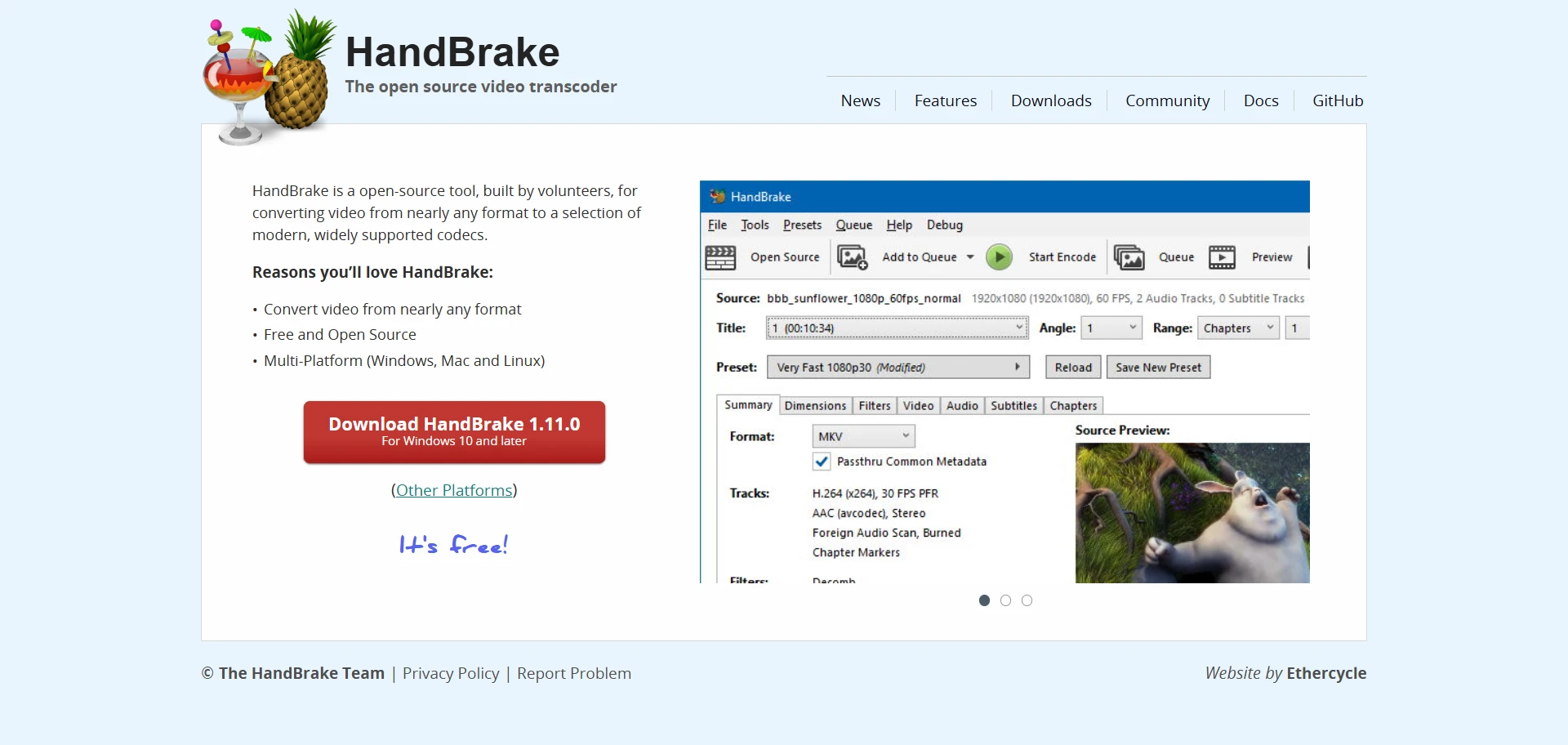
HandBrake is a widely used, free, and open-source video converter that has steadily improved over the years of active development. It supports multiple operating systems, including Windows, macOS, and Linux, which makes it a flexible option for users working across different platforms. While the interface may feel slightly technical for beginners, the software offers powerful capabilities that make it a preferred choice for users who want more control over their video conversions.
The tool is designed to handle a wide range of video files and performs reliably even when processing large or high-resolution videos. HandBrake is known for its stability, consistent updates, and efficient video conversion while maintaining high output quality. Although it may require some learning at the start, once users become familiar with the settings, it becomes a very capable video conversion tool.
Key Features:
- Live preview to check the output before conversion
- Presets for Android and iOS devices
- Supports formats like MP4, MKV, AVI, and more
- Presets for Apple, Android, and gaming consoles
- Advanced video and audio controls
- Basic video editing and subtitle support
2) Freemake Video Converter
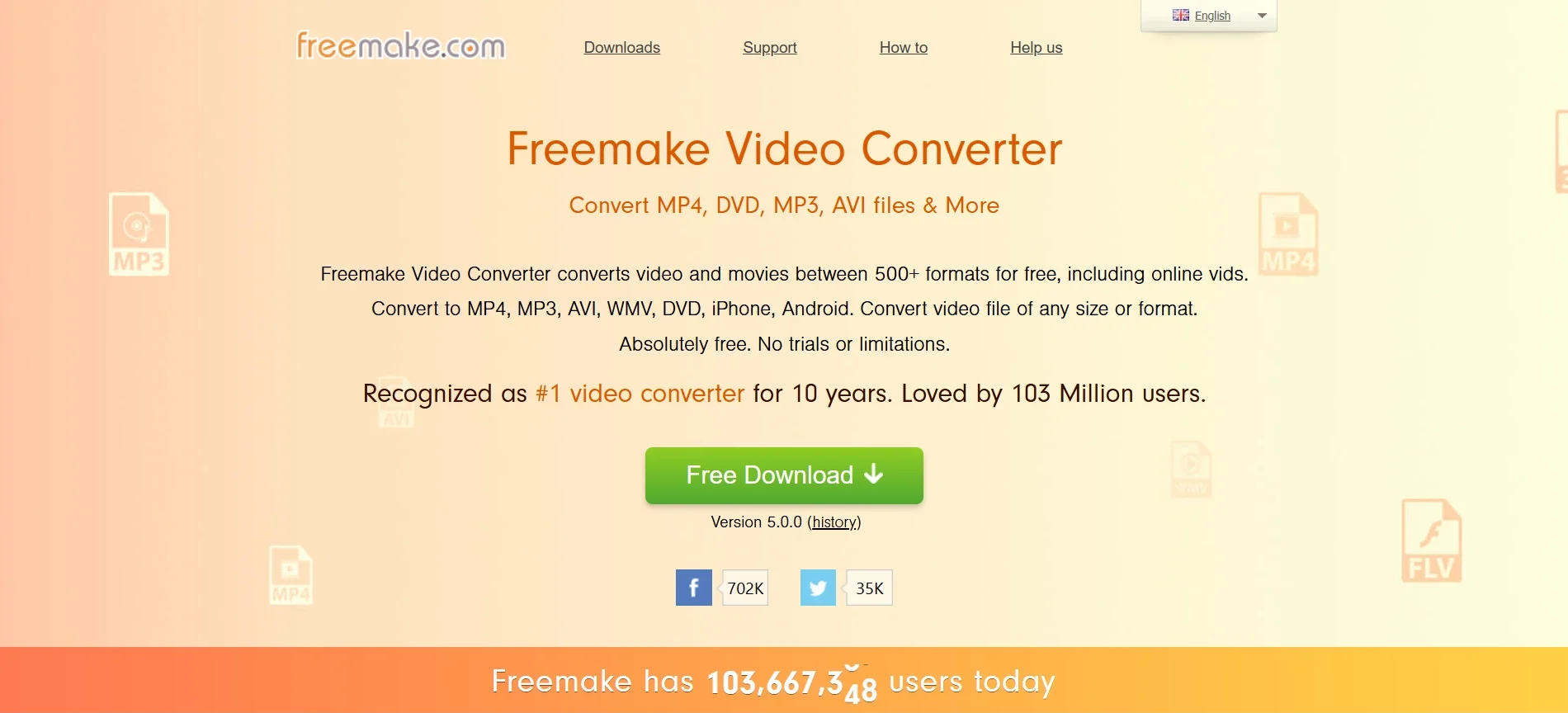
Freemake Video Downloader is a convenient tool designed for downloading and converting videos with minimal effort. The layout is organized to help users quickly understand the process of importing, converting, and saving media files. Its streamlined design allows users to handle video conversion tasks without navigating through complex menus or technical settings.
The software supports a variety of widely used video formats and provides device-focused presets that automatically apply suitable output settings. This helps users prepare videos for smartphones, tablets, and other devices without manually adjusting technical parameters. In addition to conversion, the tool also allows users to download videos from well-known streaming platforms and convert them for offline viewing.
Key Features:
- Straightforward workflow that is easy to follow
- Preconfigured profiles for different devices
- Clean working environment without interruptions
- Handles formats such as MP4, AVI, MKV, WMV, and FLV
- Device optimized presets for Apple, Android, and Sony products
- Supports downloading and converting videos from YouTube and Vimeo
- Includes tools for DVD burning and DVD ripping
3) VLC Media Player
VLC Media Player is widely recognized as one of the most versatile media players available today. Along with its powerful playback capabilities, it also includes useful video conversion features that let users easily change media formats. The software is known for its reliability, fast performance, and ability to handle a wide variety of media files without requiring additional codecs.
One of the strongest advantages of VLC is its broad compatibility with both modern and older file formats. It can play and convert many audio and video file formats that other media players may struggle to support. The software is lightweight, runs smoothly on multiple operating systems, and does not include ads or unnecessary bundled software, making it a trusted choice for many users.
Key Features:
- Flexible settings that allow deep customization
- Supports a very wide range of media formats
- Additional functionality available through plugins
- Handles formats such as MP4, AVI, FLV, and WebM
- Available for Windows, macOS, Linux, iOS, and Android
- Can convert DVDs and online video streams
- Detailed video and audio configuration options
4) Any Video Converter

Any Video Converter is a multifunctional video processing tool that offers a wide range of capabilities beyond simple format conversion. It allows users to convert videos while also providing tools for trimming, cropping, merging clips, applying audio adjustments, and downloading videos from online platforms. The software brings several useful functions together in one place, making it suitable for users who want a complete video processing solution.
The platform supports a wide range of input formats and offers flexible output options, enabling videos to be converted for different devices and platforms. In addition to conversion, users can make basic edits to improve the video presentation before exporting the final file. With built-in download and DVD tools, Any Video Converter is a practical option for managing and preparing video content.
Key Features:
- Supports more than 160 input formats and 14 output formats, including MP4, AVI, and WMV
- Downloads and converts videos from over 100 websites, including YouTube and Facebook
- Allows trimming, cropping, and adding subtitles to videos
- Includes built-in DVD burning and DVD ripping features
- Provides ready-to-use presets for different devices and platforms
5) Allavsoft
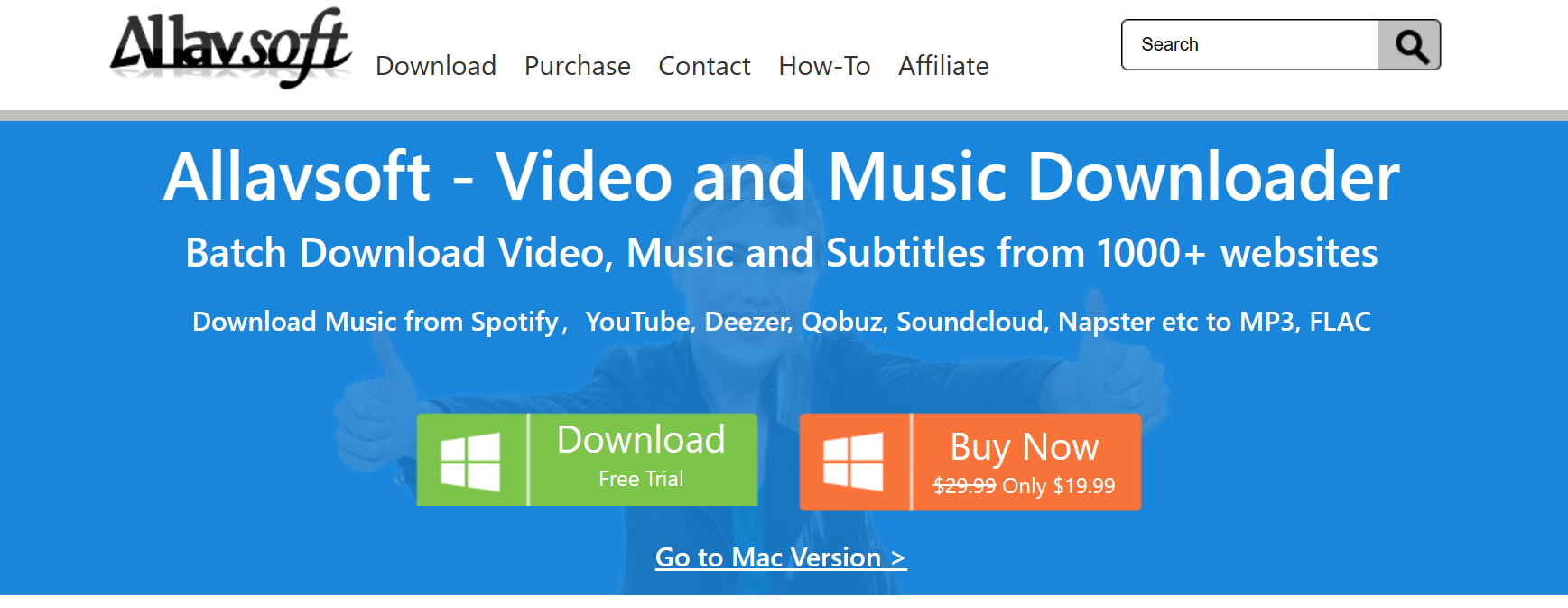
Allavsoft is a multimedia tool that combines video downloading and format conversion on a single platform. It allows users to download videos from a wide range of streaming websites and convert them into different video or audio formats for offline playback. The software supports many popular platforms and offers flexible output options, allowing users to prepare videos for various devices and media players.
The tool is designed to simplify downloading and converting online media. Users can paste a video link, download the file, and automatically convert it into a preferred format. This helps save time because the downloading and conversion process can happen together. Allavsoft also supports batch processing, allowing multiple videos to be downloaded and converted in a single session.
Key Features
- Supports downloading videos and music from more than 1000 websites, including YouTube, Facebook, Vimeo, and Spotify
- Converts videos into formats such as MP4, AVI, MOV, WMV, MPEG, WebM, and FLV
- Allows audio extraction and conversion to formats like MP3, WAV, M4A, and AAC
- Batch download and batch conversion for multiple files at once
- Automatic conversion after downloading online videos
- Available for Windows and macOS systems
6) DivX Converter
DivX is a well-known name in the video technology industry and has been contributing to digital video innovation for more than two decades. The company has developed advanced video compression and playback technologies that are widely used by device manufacturers, streaming platforms, and media applications worldwide. With more than 1.5 billion licensed playback devices and over a billion software downloads, DivX continues to play an important role in improving video quality and playback efficiency.
DivX Software also includes a video converter that lets users convert videos to compatible formats for different devices. The converter is designed to maintain good video quality while preparing files for playback on smartphones, smart televisions, gaming consoles, and other supported devices. In addition to format conversion, the software includes useful playback and basic editing capabilities to help users manage their video content more effectively.
Key Features:
- Supports multiple video formats, including MKV, MP4, AVI, and DivX
- Device presets available for smartphones, gaming consoles, and smart TVs
- Smooth fast forward and rewind with chapter navigation
- Optimized video output especially forthe DivX format
- Includes basic video editing tools for simple adjustments
7) Avidemux
Avidemux is a lightweight video editing and conversion tool designed for users who want to perform quick adjustments to their video files. It focuses on simple video processing tasks such as trimming clips, applying filters, and adjusting video orientation. The software is commonly used for basic editing tasks without requiring advanced editing knowledge or complex software.
The interface is designed to be clear and easy to understand, making it suitable for users just getting started with video editing or video format conversion. Avidemux also supports automation through scripting, which can help experienced users process multiple files efficiently. Its cross-platform compatibility allows the software to run on several operating systems.
Key Features:
- Compatible with Windows, macOS, and Linux operating systems
- Clean interface that is easy to navigate
- Basic video editing tools, including cutting, filtering, and resizing
- Allows rotating, flipping, and simple video adjustments
- Supports script-based automation for advanced users
- Runs on systems with Intel Pentium IV or higher processors
8) VideoProc
VideoProc is a comprehensive video processing tool that combines video conversion, editing, downloading, and recording features on a single platform. It is designed to help users manage different video tasks without needing multiple software programs. The platform focuses on delivering smooth performance and faster processing, especially when working with large or high-resolution video files.
One of VideoProc’s main strengths is its use of hardware acceleration, which leverages GPU power for faster video conversion and processing. This helps reduce conversion time while maintaining good output quality. In addition to conversion, the software also includes tools for downloading online videos, editing clips, and recording screen or webcam content.
Key Features:
- Supports more than 370 input codecs and over 420 output formats, including MP4, AVI, and MOV
- Fast video conversion powered by GPU acceleration
- Downloads and converts videos from platforms such as YouTube and Facebook
- Video editing tools for cutting, merging, stabilizing, and adjusting videos
- Built-in screen recording and webcam recording functionality
9) FFmpeg
FFmpeg is a powerful open source multimedia framework widely used for processing video and audio files. It is known for its flexibility and strong format compatibility, allowing users to convert stream records and edit media files using command-line instructions. The software is available for multiple operating systems, including Windows, macOS, and Linux, which makes it a widely adopted tool among developers and advanced users.
Unlike traditional video converter applications with graphical interfaces, FFmpeg operates mainly through command-line commands. This approach provides greater control over video and audio processing but requires some technical knowledge to use effectively. It is often used in media workflows, automation scripts, and software development projects that require advanced video conversion and encoding capabilities.
Key Features
- Supports a wide range of input and output formats, including MP4, AVI, and WebM
- Provides advanced video and audio processing and encoding options
- Allows batch conversion through scripts and automated commands
- Can be integrated into other applications and media processing systems
- Designed mainly for users familiar with command-line tools
10) MediaCoder
MediaCoder is a powerful video conversion software designed for users who need greater control over video and audio encoding. The tool supports a wide range of media formats and offers detailed configuration options to fine-tune the conversion process. It is commonly used by people who want to adjust encoding settings to achieve better output quality or optimize videos for specific devices.
The software is available for Windows and macOS and includes advanced features that help manage complex video processing tasks. MediaCoder also supports batch conversion, allowing multiple files to be processed in a single session. With its flexible settings and strong format compatibility, it serves as a practical solution for users who require more control over video conversion workflows.
Key Features:
- Supports multiple input and output formats, including MP,4 AVI, MKV, and WebM
- Advanced video and audio configuration options for experienced users
- Customizable encoding settings for better output quality
- Batch conversion and parallel processing for faster video conversion
- Works with FFmpeg and other media processing technologies
Also, Read –
- Best Online Video Converter Tools
- Best Video Search Engines
- Allavsoft Review: Is It the Best Video Downloader?
- Best MP3 Splitter Software
Frequently Asked Questions
Conclusion – Best Free Video Converter Software
Choosing the right free video converter software depends on your specific needs, device compatibility, and the level of control you want during the conversion process. Many reliable tools are available today that allow users to convert videos into different formats while maintaining good quality and performance. The options listed in this guide are among the most dependable and feature-rich video converters currently available.
Some tools focus on simplicity and ease of use, while others provide advanced encoding controls and automation features for experienced users. For example, HandBrake offers a clean, reliable conversion experience, FFmpeg provides powerful command-line processing for advanced workflows, and VideoProc combines conversion with editing and downloading capabilities on a single platform.
By selecting the right tool for your requirements, you can convert videos efficiently and ensure smooth playback across devices and media players.
