
Disclosure: Some links in this article are affiliate or sponsored links. If you buy through them, we may earn a commission at no extra cost to you. Our opinions are our own.
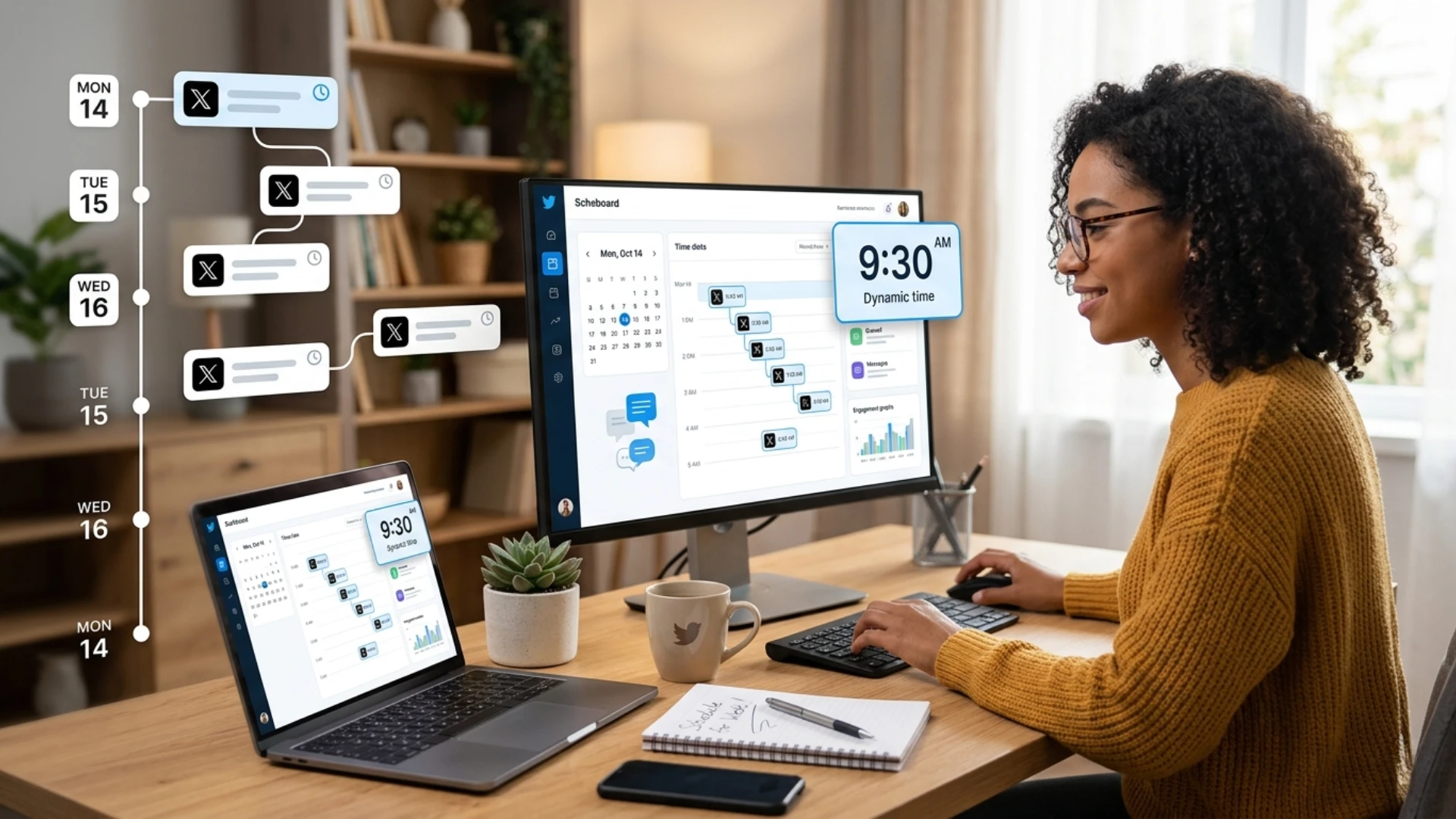
Building a consistent presence on X requires more than just posting occasionally. It demands planning, timing, and a structured approach to content. One of the most effective ways to achieve this is by scheduling tweets in advance.
Whether you are a creator, marketer, or business owner, learning how to schedule a tweet on desktop and mobile can significantly improve your workflow. Instead of relying on real-time posting, which often leads to inconsistency, scheduling allows you to stay active without constantly being online.
Many users struggle with maintaining regular posting habits. Some miss peak engagement times, while others simply do not have the time to log in multiple times a day. Scheduling solves these issues by automating the publishing process and ensuring your content reaches your audience at the right moment.
In this guide, you will learn not only how to schedule tweets step by step but also why it matters, what limitations exist, and how to use tools and strategies to improve your results.
Why Scheduling Tweets is Essential for Consistency and Engagement
Consistency is one of the strongest signals of an active and reliable account on X. When users post regularly, they are more likely to stay visible in timelines and maintain audience attention.
Scheduling tweets helps eliminate gaps in posting. Instead of relying on memory or availability, you can create a structured content plan and let your tweets go live automatically. This ensures your account remains active even during busy periods.
Another important factor is engagement timing. Audience activity varies throughout the day. Some users are active in the morning, while others engage more in the evening. Without scheduling, it becomes difficult to consistently hit these optimal windows.
By scheduling tweets, you can align your content with peak activity times. This increases the likelihood of likes, replies, and shares. Over time, better timing improves reach and visibility.
Time efficiency is another major advantage. Instead of creating content daily, you can batch your work. For example, you can dedicate a few hours each week to writing and scheduling tweets. This approach is more efficient and reduces daily workload.
Users managing multiple profiles often combine scheduling with solutions like best proxies to maintain account safety and manage operations smoothly without interruptions.
Scheduling also supports campaign management. If you are running a promotion, launching a product, or sharing a series of posts, planning tweets in advance ensures consistency and clarity in your messaging.
Step-by-Step Guide to Schedule a Tweet on Desktop
Scheduling tweets on a desktop is one of the most straightforward methods available. X provides a built-in feature that allows users to plan posts without relying on external tools.
- Open your browser and log in to your account
- Click on the Post button to open the tweet composer
- Write your tweet, including your message, hashtags, and links
- Add images, videos, or GIFs if needed
- Click the calendar icon at the bottom of the composer
- Select your preferred date, time, and time zone
- Confirm your selection to schedule the tweet
After completing these steps, your tweet will be saved in the scheduled queue and automatically published at the selected time. This method is simple and effective for basic scheduling needs.
However, it does not support bulk scheduling or advanced management features. Desktop scheduling works best for individuals who want a direct and easy way to plan tweets without additional complexity.
How to Schedule Tweets on Mobile Devices
Scheduling tweets on mobile devices is convenient but comes with certain limitations. While the process is similar to desktop scheduling, the available features may vary depending on your account type and app version on X.
- Open the app and tap on the Post button
- Write your tweet and add images, videos, or GIFs if needed
- Look for the schedule option or calendar icon
- Tap it to open scheduling settings
- Choose your preferred date and time
- Confirm your selection to schedule the tweet
Once completed, your tweet will be added to the scheduled list and automatically published at the selected time. While this process is simple, it may not always be available for all users, as some features require premium access.
Due to these limitations, many users look for alternative solutions to manage scheduling more efficiently. Some also explore strategies like bypassing limits to better understand platform restrictions and improve their workflow.
Mobile scheduling works well for quick posting tasks, but it may not be the best option for managing large content calendars or multiple accounts.
Understanding the Limitations of Native Scheduling
The built-in scheduling feature is helpful, but it has several limitations that can affect productivity and scalability. The lack of bulk scheduling is a major limitation. Users must create and schedule each tweet individually, which becomes time-consuming when managing multiple posts.
Multi-account management is also missing. If you handle several accounts, you need to switch between them manually, which slows down your workflow. Analytics within the native platform are basic. You can view simple metrics like likes and impressions, but there are no deep insights into audience behavior or performance trends
To better understand audience patterns, strategies such as using a view private account method can help improve targeting and content performance. The platform also lacks advanced features like content calendars, team collaboration tools, and automation workflows, which are important for businesses and teams. Because of these limitations, many users prefer third-party scheduling tools to improve efficiency and streamline their workflow
How Scheduling Improves Content Planning and Strategy
Scheduling tweets is not just about saving time. It plays a critical role in improving your overall content strategy. When you schedule tweets, you are forced to plan ahead. This encourages you to think about your content in a structured way. Instead of posting randomly, you create a clear plan that aligns with your goals.
This planning process helps maintain consistency in tone, messaging, and branding. It ensures that your content is aligned with your overall strategy.
Scheduling also allows you to experiment with different types of content. For example, you can plan a mix of informational posts, promotional content, and engagement-focused tweets. Another advantage is the ability to align your content with events and trends. You can schedule tweets around product launches, announcements, or seasonal topics.
Over time, this structured approach leads to better results. You gain more control over your content, improve engagement, and build a stronger presence.
Common Mistakes Beginners Make with Tweet Scheduling
Many users make mistakes when they first start scheduling tweets. These mistakes can reduce effectiveness and limit results.
One common mistake is over-scheduling. Posting too frequently can overwhelm your audience and reduce engagement. It is important to find a balance between consistency and quality. Another mistake is ignoring timing. Scheduling tweets without considering audience activity can lead to low engagement. Always try to post when your audience is most active.
Repeating the same content is another issue. While it is okay to reuse ideas, posting identical tweets can make your account appear repetitive.
Some users also rely too heavily on automation and forget to engage with their audience. Scheduling should complement engagement, not replace it. Avoiding these mistakes can help you create a more effective scheduling strategy and achieve better results.
Best Tweet Scheduler Tools to Improve Workflow
When native scheduling is not enough, using dedicated tools can make a significant difference. These tools help streamline content planning, improve efficiency, and provide better control over your posting strategy. Below are five commonly used tweet-scheduling tools, explained in a neutral, balanced way.
1. Hopper HQ

Hopper HQ is designed for users who want a simple way to plan and schedule content across multiple platforms. It provides a visual calendar interface that lets you view your scheduled posts, making it easier to organize your content.
One of its key features is bulk scheduling. Instead of creating tweets one by one, you can upload multiple posts at once. This can be useful for users who prefer to plan content weekly or monthly.
It also supports media uploads, allowing you to include images and videos in your tweets. While it offers useful features, it is generally suited for users who prefer a straightforward scheduling experience without complex analytics.
2. Hootsuite
Hootsuite is one of the most widely used social media management tools. It offers a centralized dashboard where users can manage multiple accounts, schedule posts, and monitor engagement.
One of its strengths is its ability to handle multiple profiles efficiently. This makes it useful for businesses and teams managing several accounts at once. It also includes analytics features that help track performance and measure results.
Hootsuite supports collaboration, allowing multiple users to work on the same account. This is particularly useful for organizations that have dedicated social media teams.
However, it may take some time to learn due to its wide range of features. It is often chosen by users who need a comprehensive solution rather than a basic scheduler.
3. Buffer

Buffer is known for its clean interface and ease of use. It focuses on simplicity, making it a popular choice for beginners and small businesses.
The platform uses a queue-based system that lets you line up your tweets for automatic publication. This makes it easy to maintain consistency without manually scheduling each post.
Buffer also includes basic analytics, allowing users to track engagement and performance. While it does not offer advanced features like some other tools, it provides a reliable and user-friendly experience.
It is ideal for users who want a simple scheduling solution without unnecessary complexity.
4. Sprout Social
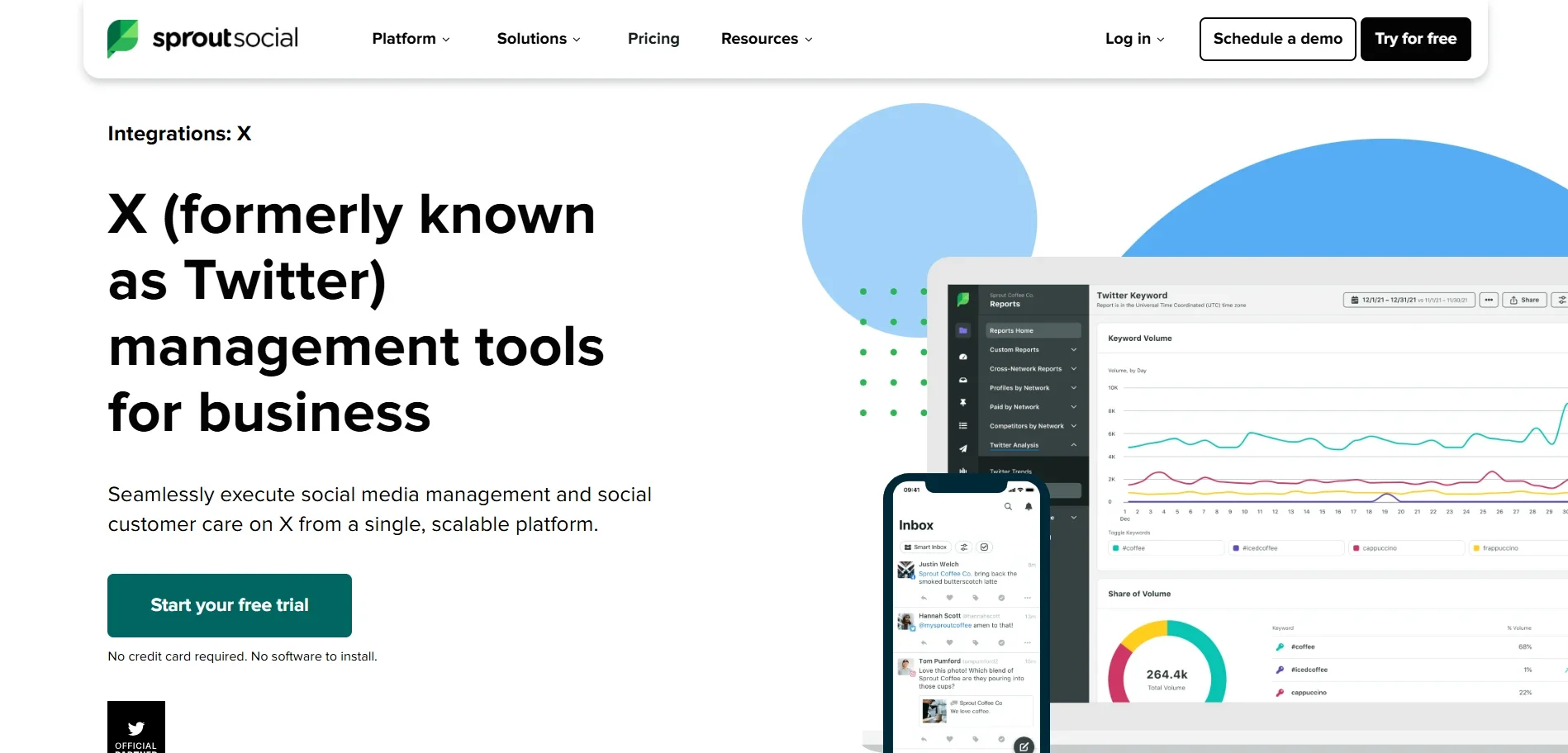
Sprout Social offers a more advanced approach to scheduling and analytics. It is designed for users who require detailed insights into their performance and audience behavior.
The platform provides features such as reporting, engagement tracking, and customer interaction tools. This makes it suitable for businesses that want to go beyond basic scheduling.
Sprout Social also includes collaboration features that allow teams to manage accounts efficiently. It helps streamline workflows and improve communication within teams.
Due to its advanced features, it is often used by organizations that prioritize data-driven strategies.
5. X Pro
X Pro is an official tool that enhances the native experience on X. It provides a column-based interface for monitoring multiple timelines, hashtags, and notifications.
One of its key advantages is real-time monitoring. Users can track conversations, trends, and interactions as they happen. It also allows scheduling tweets directly from the dashboard.
X Pro is particularly useful for users who need to manage multiple streams of information at once. It offers more control than the standard interface while remaining closely integrated with the platform.
It is often preferred by users seeking a more dynamic, responsive scheduling experience.
How to Choose the Right Tweet Scheduler Tool
Choosing the right scheduling tool depends on your specific needs and workflow. There is no single tool that works for everyone, so it is important to evaluate your requirements.
If you are managing a single account and need basic scheduling, a simple tool may be enough. However, if you handle multiple accounts, you may need a platform that supports multi-account management and collaboration.
Consider your content volume as well. If you schedule large amounts of content, bulk scheduling features can save significant time.
Analytics is another factor. If you rely on data to improve your strategy, choose a tool that provides detailed insights and reporting. Ease of use should also be considered. A tool with a simple interface can save time and reduce the learning curve.
By understanding your needs, you can select a tool that fits your workflow and helps you stay consistent.
Advanced Strategies for Scheduling Tweets Effectively
Scheduling tweets becomes more effective when combined with a clear strategy. Simply automating posts is not enough to achieve strong results
One effective approach is batching content. Instead of creating tweets daily, set aside time to write multiple posts at once. This helps maintain consistency and reduces daily workload
Another important method is aligning tweets with audience behavior. Study when your followers are most active and schedule posts accordingly. This can improve engagement and visibility, similar to using a best Twitter proxy for stable performance
Content variety also plays a key role. Mixing informative promotional and interactive posts keeps your feed fresh and engaging. Flexibility should not be ignored. While scheduling is useful, you should leave room for real-time updates and trending topics
Users managing multiple accounts often combine scheduling with tools like best proxies to ensure stability and avoid interruptions
Importance of Analytics in Tweet Scheduling
Analytics plays a crucial role in improving your scheduling strategy. Without data, it becomes difficult to understand what works and what does not.
Tracking metrics such as impressions, engagement, and clicks helps you evaluate your performance. These insights allow you to refine your content and improve results over time. For example, if certain types of tweets perform better, you can focus more on similar content. If engagement is low at certain times, you can adjust your schedule accordingly.
Understanding audience behavior is also important. Resources like view accounts can provide additional perspective on how users interact with content. By using analytics effectively, you can create a more data-driven approach to scheduling.
Managing Multiple Accounts with Scheduling
Managing multiple accounts can be challenging without proper organization. Scheduling tools simplify this process by letting you plan and publish content from a single dashboard. Instead of switching between accounts, you can control everything in one place. This improves efficiency and reduces the chances of mistakes
Maintaining consistency across all accounts is also important. Scheduling ensures each account stays active and aligned with your overall strategy. Some users also explore methods like bypassing age restrictions to better understand platform limits and manage accounts more effectively
By combining scheduling with smart management techniques, you can handle multiple accounts without added complexity
Final Thoughts on Scheduling Tweets
Scheduling tweets is one of the most effective ways to improve consistency, save time, and enhance your overall performance on X. While native scheduling features are useful for basic needs, dedicated tools provide additional flexibility and control. Choosing the right tool depends on your workflow, content volume, and goals.
By combining scheduling with a strong strategy, analytics, and proper planning, you can create a more organized and effective approach to managing your social media presence. Consistency, timing, and adaptability are key factors in achieving long-term success. Scheduling allows you to control all three, making it an essential part of any social media strategy.
